KwickPhone for Excavation & Gradings · Deposits & payment by phone

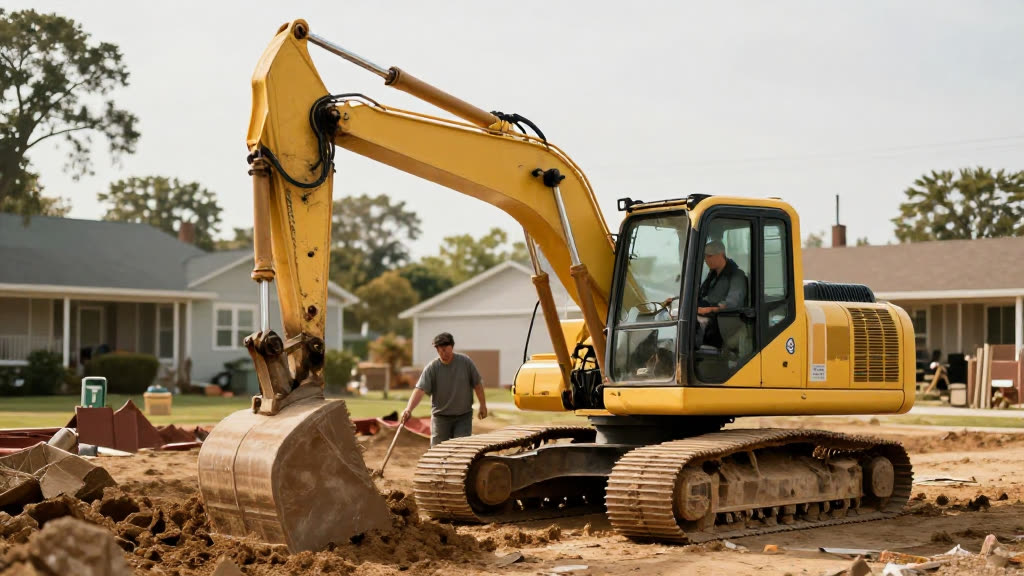
You're in the cab moving dirt while the deposit call goes unanswered

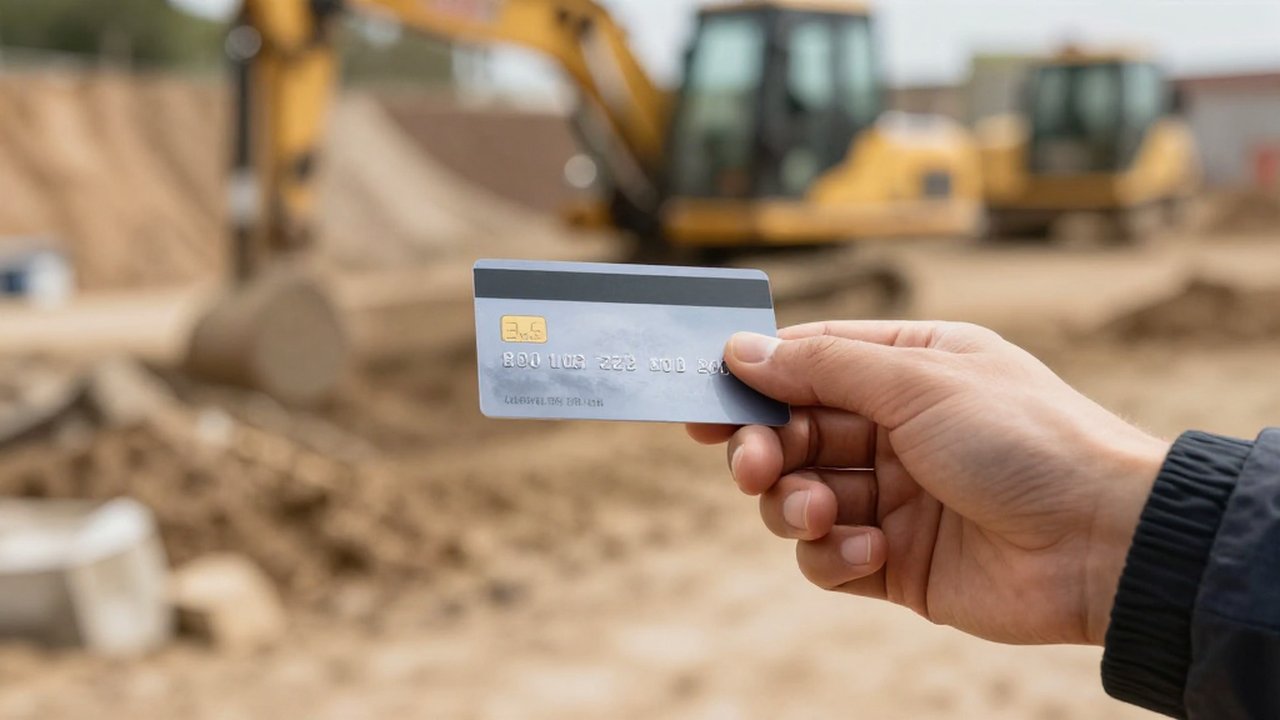
KwickPhone answers, quotes the mobilization deposit, and takes the card by phone PCI-safe so the job is locked before you climb down.

Deposits & payment by phone for Excavation & Gradings — KwickPhone answers the phone

Here's the real problem with site-prep work: the calls that matter most come while you're least able to grab them. You're in the cab grading a pad, running a trench, or backing a haul truck up to a load, and the phone's buzzing in a pocket you can't reach under a seatbelt and a half-inch of dust. The caller is a GC or a homeowner who's ready to commit, who wants to put money down to hold next week's slot. By the time you shut the machine off, climb out, and call back, they've already phoned the next excavator on their list and that one picked up. The booking that would've covered your mobilization and a day's diesel just walked because nobody could collect a deposit at the moment the customer was ready to pay.

KwickPhone answers that call instead, on the first ring, every time. It speaks from the actual scope you've set up: what you charge to mobilize the machine, how a grading and site-prep job gets quoted versus a trenching run, what a demolition or hauling deposit looks like. When the caller says they want to lock the date, KwickPhone takes the deposit right there on the phone, reads the card details into a PCI-compliant payment flow without a human ever hearing or storing the number, confirms the amount, and writes the booking and the paid deposit straight into your system. If the caller asks something past the scope you've loaded — odd soil conditions, a permit question, an access problem on the lot — it doesn't guess; it takes the details and hands it to you to call back.

For excavation and grading this matters more than it does for most trades, because your deposit isn't a courtesy fee, it's the thing that justifies hauling iron to a site at all. A no-deposit booking is a soft booking, and a soft booking on a day you turned down other work is how this business bleeds. Collecting the deposit at the exact moment the customer is motivated — phone in hand, ready to commit — is the difference between a confirmed mobilization and a maybe. KwickPhone's whole job here is to close that gap while your hands are on the controls.
How it works

Deposits & payment by phone for Excavation & Gradings, handled.

Real calls

What it sounds like for excavation & gradings.

1

A general contractor calls Tuesday afternoon needing a building pad graded and a footing trench cut before his concrete crew shows Friday, and he wants to lock you in now. KwickPhone confirms the grading-and-trenching scope, states your mobilization deposit, takes his company card by phone PCI-safe, and books Thursday — so when you climb out of the cab the job's already paid down and on the calendar.

2

A homeowner phones about demolishing an old detached garage and hauling the debris off, and asks if a deposit holds the date because two other excavators told her they'd 'try to fit her in.' KwickPhone explains your demolition and hauling deposit, collects it on the spot, and confirms the date out loud, giving her the certainty the others wouldn't — and giving you a committed job instead of a maybe.

3

A repeat GC's office manager calls to put money down on a trenching run for a utility line but mentions she's not sure the locate has been done yet. KwickPhone takes the deposit for the work it's confident about, but flags the unmarked-utility question for your callback rather than promising you'll dig blind — so the booking is real and the risk question lands with the person who can actually answer it.

4

Someone calls mid-morning while you're loading a haul truck, wanting to schedule dirt removal but speaking mostly Spanish. KwickPhone switches to Spanish, walks through the hauling scope and deposit, takes the card securely, and records the booking — capturing a customer who'd have given up the second an English-only voicemail picked up.

Deposits & payment by phone for a excavation & grading — answered by KwickPhone
Built for excavation & gradings

Your whole phone, handled.

In the cab moving dirt, you can't hear the phone — and the next site-prep job goes to a competitor. KwickPhone answers every call for your excavation & grading business — not just deposits & payment by phone, but the everyday requests that keep ringing in:

Every call is picked up 24/7 in English, Spanish & Chinese, with no hold music — and each order, booking or quote is written straight into the POS you already run, or KwickPhone’s own built-in POS if you don’t have one. No missed calls, no voicemail, no lost excavation & grading jobs.

Why it pays off

What excavation & gradings get.

More ways KwickPhone helps Excavation & Gradings

Every excavation & grading call, handled.

Questions
Is it actually safe to take a card over the phone this way?
Yes — KwickPhone uses a PCI-compliant payment flow, meaning the card details are captured and handed directly to the payment processor and tokenized, not spoken to a person or stored as plain numbers on your side. You're not writing a card on a notepad in the cab, and you're not keeping a list of card numbers that could be stolen or leaked. The actual digits live with the processor, the way they're supposed to.
Can it charge different deposits for grading versus demolition versus hauling?
Yes. You load the deposit terms for each kind of work you do, and KwickPhone quotes and collects the right amount based on what the caller is booking. It won't invent a number — if a job type or amount isn't set up, it takes the details and routes it to you instead of guessing.
What if the caller's site has conditions only I can assess, like access or soil?
KwickPhone is built to stop at the edge of what you've told it. If a caller raises buried utilities, an unsure locate, a permit that isn't pulled, or a lot the machine may not fit, it captures those specifics and flags them for your callback rather than quoting or committing blind. It collects the deposit only on work the scope clearly covers.
Does the deposit and booking show up in my system or do I have to re-enter it?
It writes straight into your POS if you run one, with the contact, scope, site, and paid deposit all attached. If you don't run a POS, KwickPhone keeps the booking record itself, so there's one place to look — you're not piecing the job together from a missed-call list later.
What happens if someone asks something it can't answer?
It hands off. KwickPhone only speaks from the menu and info you've loaded and never makes things up, so when a question runs past that — an unusual scope, a price you haven't set, a judgment call about the dig — it takes the caller's details and flags it for you instead of bluffing. That's deliberate; a wrong quote on excavation work costs more than a callback does.
Will it really pick up while I'm running the machine and can't get to the phone?
That's the entire point. It answers on the first ring, 24/7, whether you're in the cab, under a truck, or off the clock, so the call that came in while your hands were on the controls still gets answered, quoted, and closed. You find out about the booking — already paid — when you shut down for the day.
Can it handle callers who don't speak English well?
Yes — it answers in English, Spanish, or Chinese and carries the whole conversation, including taking the deposit, in the caller's language. On excavation work where GCs, foremen, and crews often speak Spanish, that's the difference between collecting a deposit and losing the caller to a language barrier at the voicemail beep.

No POS yet? KwickPhone can be your POS too — a built-in register, orders & menu in one place. Already on a POS? Orders write straight back into it.