On its own, or wired in

Your whole front desk — or wired into the POS you already run.

Run KwickPhone on its own and it answers, books, and takes payment by itself. Already have a POS? It plugs in and writes every order straight to it. Your call.

Full front desk on its ownOr plugs into your POSStart now, integrate laterNothing to rip out
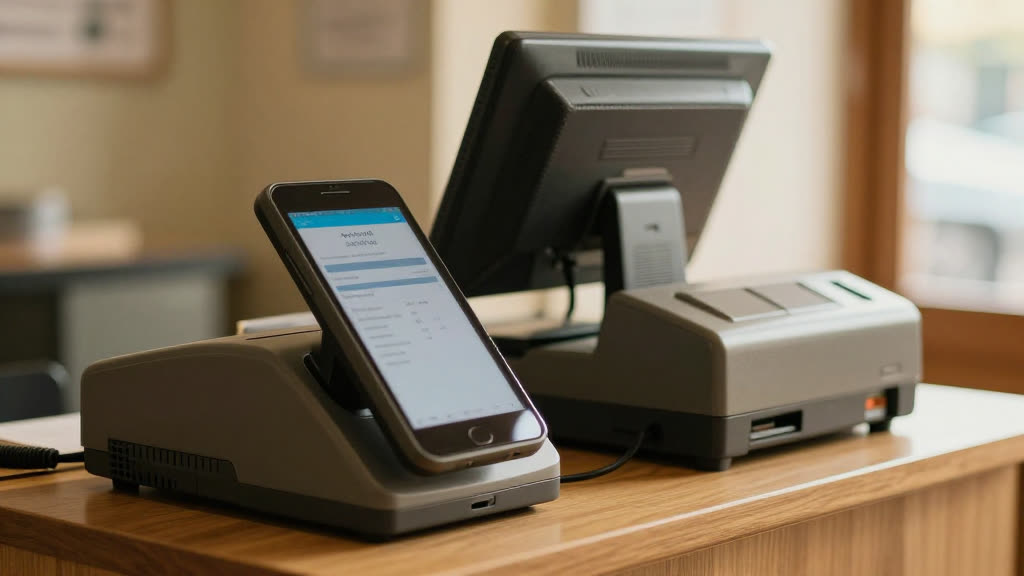
Your whole front desk — or wired into the POS you already run.
The moment

You've looked at phone tools before and hit the wall every time: this one only works if you switch your whole POS; that one's just a voice that can't touch your system.

You've looked at phone tools before and hit the wall every time: this one only works if you switch your whole POS; that one's just a voice that can't touch your system. Either rip everything out, or get something that doesn't really connect to anything. Neither fits a business that's already up and running.

We see it: you've already got a way you do things. The right answer shouldn't force an all-or-nothing rebuild — it should meet you where you are.

What changes

Here's the relief.

KwickPhone works both ways. With no POS, it's a complete front desk on its own — it answers, books appointments, takes the order, and runs the payment, all standalone. With a POS, it becomes the phone front-end for the system you already trust, writing every order into Square, Clover, KwickPOS and more. Start standalone today, wire it in later — nothing to redo.

Why it's real
The proof

Two ways to run it, your choice

Standalone: a full front desk with no other software required — answering, booking, ordering, and payment in one. Integrated: the same front desk, now posting every order and payment into your existing POS in real time. You can switch from one to the other without starting over.

Questions owners ask

A few honest answers.

Can I use KwickPhone without any other software?
Yes. Standalone, it answers, books, takes orders, and runs payments by itself — no POS or website required.
Can I connect it to my POS later?
Yes. Start standalone and wire it into Square, Clover, KwickPOS or others whenever you're ready — no need to redo your setup.

Believe it in thirty seconds. Call it.

Don't take our word for it — pick up the phone and put it to work. Order something. Try to trip it up.