AI Phone Ordering for Clover Restaurants
If you run your restaurant on Clover, your phone is probably the weakest link in an otherwise smooth setup. The kitchen display, the printers, the card reader—all of that just works. But the phone still rings during the rush, and someone has to stop what they're doing to answer it, write the order on a ticket, and key it into the POS by hand. AI phone ordering for Clover restaurants closes that gap.
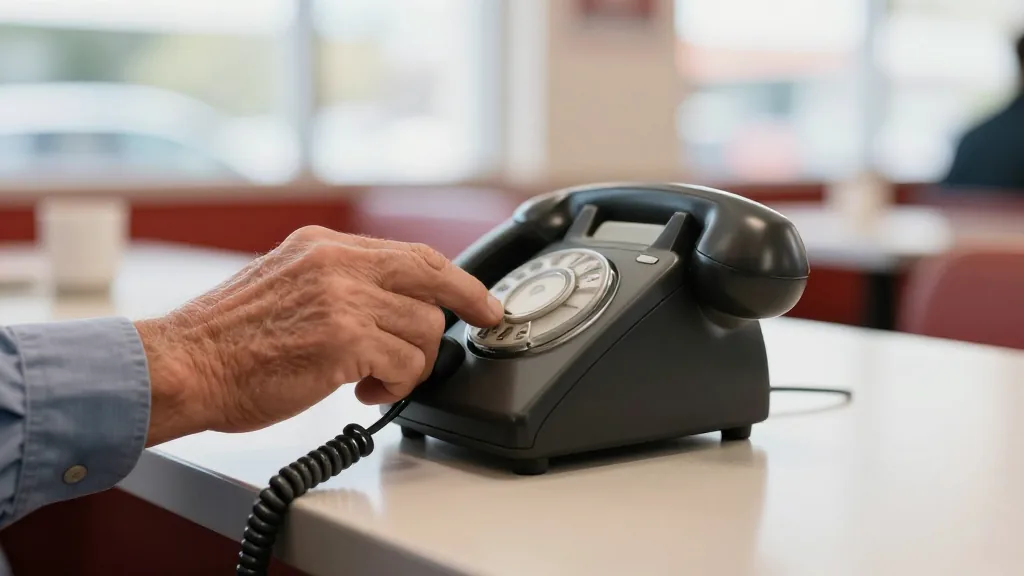
KwickPhone answers every call, talks the order out of the caller, and sends it directly into your Clover system—so there's no slip of paper and no re-typing. You keep the Clover POS you already use; the phone just stops being a bottleneck.
How the Clover integration works
KwickPhone connects live to your Clover account. When a customer calls and places a takeout order, the AI captures the items, modifiers, and special requests, then drops a completed order straight into Clover—the same place your in-store and online orders already land. Your staff sees it appear like any other ticket. Nobody has to re-enter anything, which means fewer mistakes and a faster line.
The key difference from a generic phone bot: the order doesn't stop at a transcript or a voicemail. It lands inside Clover as a real order, ready for the kitchen.
It answers every call, even when you can't
The AI works 24/7 and is never busy. It can handle several callers at the same time, so a Friday-night surge doesn't send people to a busy signal or voicemail. Calls that used to go unanswered—and the orders attached to them—now get captured automatically, day or night, even after you've closed.
Multilingual ordering for your real customer base
KwickPhone speaks English, Spanish, and Chinese, so callers can order in the language they're most comfortable with. For neighborhoods with a diverse customer base, that's the difference between a smooth order and a frustrating one—and it happens without you needing bilingual staff on every shift.
Payments, reservations, and the questions you answer all day
Beyond taking orders into Clover, KwickPhone can text a secure payment link so customers pay before pickup, book reservations, and answer the routine questions that eat up staff time—hours, location, parking, whether you deliver, what's on the menu. It handles the repetitive front-desk work so your team can focus on the guests in front of them.
You keep your Clover POS
This isn't a rip-and-replace. There's nothing to migrate and no new register to learn. Your Clover POS stays exactly as it is; KwickPhone simply sits on the phone line and feeds it. If you've invested in Clover hardware and trained your staff on it, that investment is safe—you're just adding a tireless phone agent on top.
Hear it for yourself
The fastest way to understand AI phone ordering is to call it. KwickPhone runs a live demo line—dial it, place a pretend order, ask it a question, switch languages mid-call—and you'll hear exactly how it would sound answering for your restaurant.
Put AI phone ordering on your Clover line
Want to hear it first? Call the live demo at (346) 273-2935. Ready to set it up on your restaurant's phone? Book a quick walkthrough and we'll connect it to your Clover account.
Book a demoRelated: see all KwickPhone POS integrations and the 2026 guide to AI phone answering for restaurants.