After-Hours Phone Answering for Restaurants
The phone doesn't stop ringing when you flip the sign to closed. People call after dinner to book next weekend, plan a party, or place an order for a slow night you weren't expecting. They call during the lunch rush when every server is buried, and on the nights you're a person short. After-hours restaurant phone answering is how you catch those calls instead of losing them to a voicemail nobody checks until tomorrow.
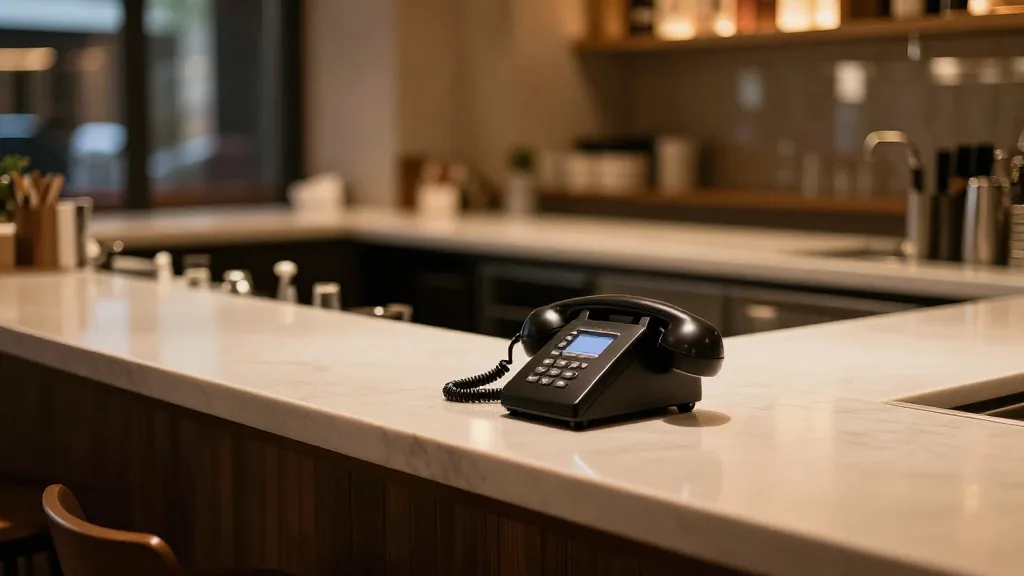
This playbook covers what "after-hours" really means for a restaurant, why those calls are worth more than they look, and how to set up answering that turns a missed ring into a booked table or a placed order.
"After-hours" is more than just nights and weekends
It's tempting to think of after-hours as the time between closing and opening. In practice, a call goes unanswered for three reasons, and only one of them is the clock:
- You're closed — nights, weekends, and holidays, when the dining room is dark but the demand isn't.
- You're busy — the rush hits and there is simply no hand free to pick up.
- You're short-staffed — someone called out, and the person who would answer is now running food.
All three feel the same to the caller: the phone rings out, and they move on. Good after-hours answering treats all three as the same problem—a call that needs a real answer right now.
Why these calls are worth more than they look
A call that comes in when you can't pick up is often a high-intent one. Someone choosing to call instead of tap an app usually wants to do something specific—order a large pickup, reserve for a group, or ask a question that decides whether they come at all. Reservations and party bookings in particular tend to arrive at odd hours, after the caller has finished their own dinner and is planning the next one. Miss the call and you don't just lose tonight; you lose the booking that would have filled a future seating.
How after-hours answering actually works
A voice assistant picks up every call, around the clock—nights, weekends, and holidays included. It talks naturally with the caller, understands the request, and acts on it. The part that matters is what happens next: orders and reservations go straight into the system, with no message slip for a staffer to re-key in the morning. Because it isn't a single human on a single line, it can handle several calls at once, so the line is never busy—even when a dozen people call the moment a holiday menu drops.
The test for any after-hours setup: when you walk in tomorrow, are the overnight orders and bookings already in the system, or are they sitting as messages you still have to enter by hand?
What to set up before you flip it on
- Hours and holidays — let the assistant know your real schedule so it can tell callers when you're open and still take orders for later.
- Multilingual coverage — serving callers in English, Spanish, and Chinese keeps late-night and diverse guests from hanging up.
- Text confirmations and payment links — the assistant can text a confirmation or a secure payment link, so an after-hours order is paid and locked in, not a maybe.
- A clear escalation path — decide what gets routed to a human and what the assistant handles on its own.
Native or bolt-on—either way, no re-entry
KwickPhone is native to the KwickOS platform, so orders and reservations land directly in the system that runs the restaurant. If you're already on another ordering system, it bolts onto Square, Clover, Loyverse, Epos Now, or Revel and still completes the task—no notepad, no manual re-entry. Whichever path you take, the goal is the same: the call gets answered and the work is done, even at 2 a.m.
Hear it answer an after-hours call
KwickPhone picks up 24/7—nights, weekends, holidays, rushes, and short-staffed shifts—and puts every order and reservation into the system. Call a live demo now at (346) 273-2935.
Book a demoRelated: how to stop missing restaurant phone calls and AI phone answering for restaurants: the 2026 guide.