Straight into the system you already run

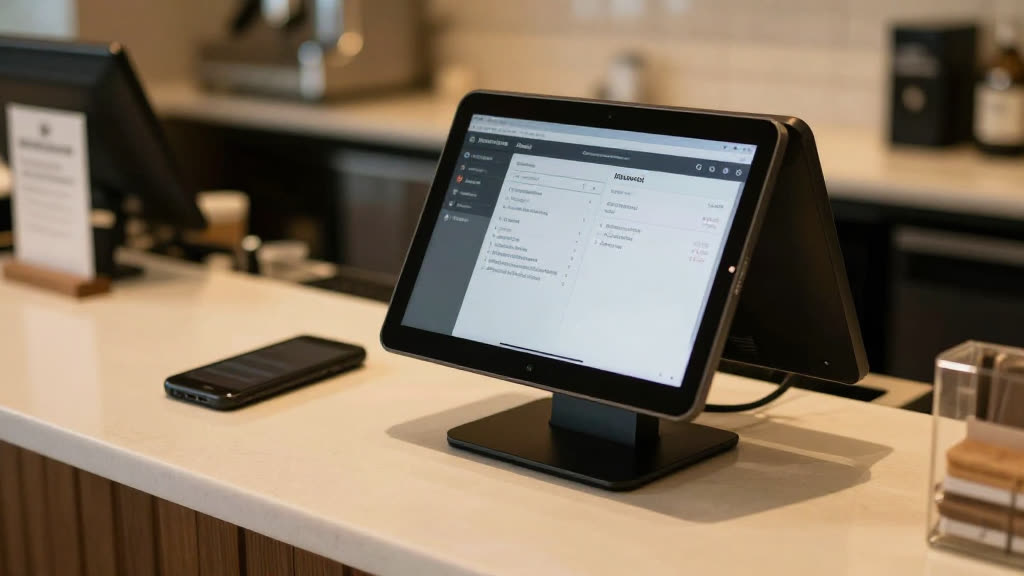
Every call, written straight into your POS.

No re-keying tickets at the end of the night. KwickPhone takes the phone order and posts it to Square, Clover, KwickPOS and more — the way your best employee would.

Square, Clover, KwickPOS & morePosts in real timeNo re-keying ticketsOne source of truth
Every call, written straight into your POS.
The moment

It's 9pm.

It's 9pm. You're tired, and there's a sticky stack of phone-order slips by the register that someone has to type into the POS before you can close out. Half are missing a phone number; one says "large?? — call back." That's an hour you don't have, and the till won't reconcile until it's done.

We see it: you didn't buy a POS so you could also keep a paper shadow-copy of it by the phone. The phone order should just be in the system, like every other order.

What changes

Here's the relief.

KwickPhone writes the phone order into your point of sale as it happens — itemized, priced from your real menu, paid for. There's no slip to re-key, no end-of-night data entry, no mismatch between what the caller ordered and what the kitchen sees. Your POS is the single source of truth, and the phone finally feeds it instead of fighting it.

Why it's real
The proof

Native to your POS — not a CSV later

KwickPhone connects to the point of sale you already run — Square, Clover, KwickPOS and more. The order, the customer, and the payment post to your system in real time, so reporting, inventory, and the kitchen ticket are all driven by the same record. No export, no import, no copy-paste.

Questions owners ask

A few honest answers.

Which point-of-sale systems do you support?
KwickPhone works with Square, Clover, KwickPOS and more. Tell us what you run and we'll confirm the fit before you commit.
Do I have to change my POS to use KwickPhone?
No. KwickPhone feeds the POS you already use — you keep your system and your number.
What if I don't use a POS yet?
KwickPhone still answers, books, and takes payment standalone — and you can wire it into a POS whenever you add one.

Believe it in thirty seconds. Call it.

Don't take our word for it — pick up the phone and put it to work. Order something. Try to trip it up.