KwickPhone for Dental Offices · Review requests & callbacks
The patient left happy, but the review never got asked for
KwickPhone follows up after every appointment so callbacks get returned and good visits turn into Google reviews.
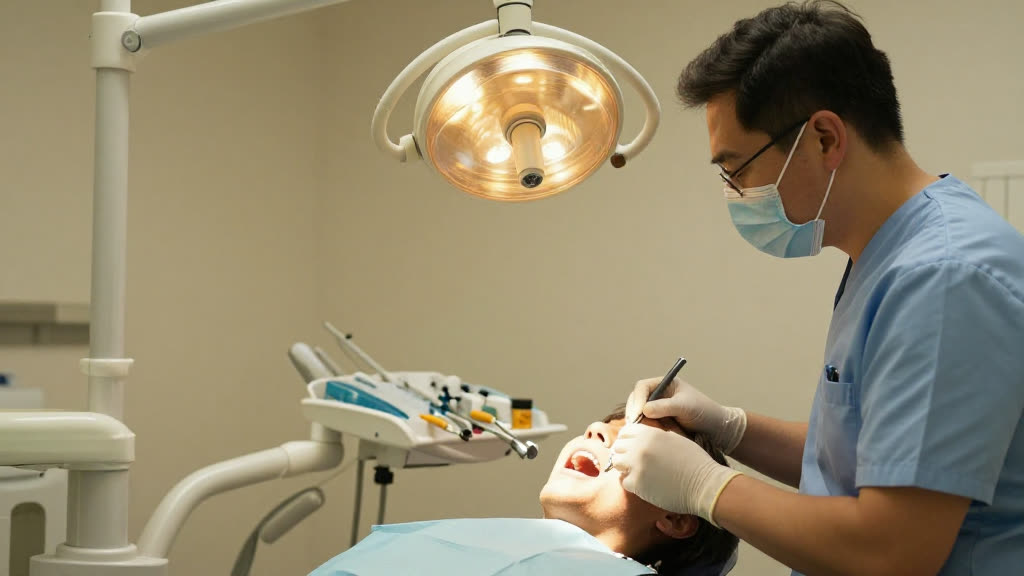
KwickPhone follows up after every appointment so callbacks get returned and good visits turn into Google reviews.
Picture the front desk at 11:40. One patient is at the counter scheduling a crown re-prep and paying their copay, the phone has two callers on hold, and somewhere in the middle of all that is the patient who finished a cleaning twenty minutes ago and walked out the door happy. Nobody asked them for a review. Nobody will. They were thrilled with the hygienist, they'd have left five stars in a heartbeat, but the moment passed and the office is already onto the next thing. By the time anyone thinks about reputation, it's the weekly huddle and the question is 'why are we only getting reviews from the patients who were upset?'
That gap is exactly what KwickPhone closes. It's an AI phone agent that answers your line 24/7 in English, Spanish, and Chinese, and on the follow-up side it does the unglamorous work the front desk never has time for: it places the after-visit callbacks, asks the satisfied patient for a Google review while the numb feeling is still wearing off and the experience is fresh, and returns the voicemails that pile up during lunch and after close. It only speaks from your real practice information, so it won't promise a sensitivity follow-up you don't offer or quote a whitening price you never set. When a patient says something that needs a clinical answer, it hands off to your team instead of guessing.
For a dental office this matters more than for most local businesses, because your reputation is built one nervous patient at a time. People don't pick a dentist the way they pick a taco truck — they read reviews, they look for someone gentle, they want proof other people weren't hurt or upsold. The patients most likely to leave a glowing review are the ones who had a calm cleaning or a painless filling and felt relieved, and those are precisely the patients who slip out quietly. Meanwhile the angry no-show-fee dispute writes a paragraph unprompted. KwickPhone evens that out by making sure the happy majority actually gets asked.
A patient who just had a routine cleaning and exam picks up the follow-up call, says the hygienist was the gentlest they've ever had, and mentions they were dreading it for no reason. KwickPhone tells them that's exactly the kind of thing other anxious patients need to hear, asks if they'd share it in a quick Google review, and texts the link so they can post it before they've even hung up.
Three days after a filling, KwickPhone calls to check in and the patient says the tooth is still sensitive to cold and they're a little worried. Instead of asking for a review, it gently notes the symptom, tells them it's flagging this for the dentist's office to follow up, and routes the call detail to the front desk so a clinical person can decide whether the patient needs to be seen.
A new patient left a voicemail at 12:15 during the lunch rush asking whether the office takes their insurance and how soon they could get an exam. KwickPhone returns the call that afternoon, answers from the practice's real new-patient and insurance info, and either books the exam or, if it's unsure about a specific plan, hands off to staff rather than guessing about coverage.
Someone who came in for emergency dental work over the weekend gets a Monday check-in call. KwickPhone confirms the swelling has gone down and the pain is manageable, hears that they're grateful the office squeezed them in, and asks if they'd mention that responsiveness in a review — turning a stressful emergency into the kind of story that wins the next person in pain.
Front desk is checking out one patient while two callers wait — and a toothache emergency hangs up. KwickPhone answers every call for your dental office business — not just review requests & callbacks, but the everyday requests that keep ringing in:
Every call is picked up 24/7 in English, Spanish & Chinese, with no hold music — and each order, booking or quote is written straight into the POS you already run, or KwickPhone’s own built-in POS if you don’t have one. No missed calls, no voicemail, no lost dental office jobs.
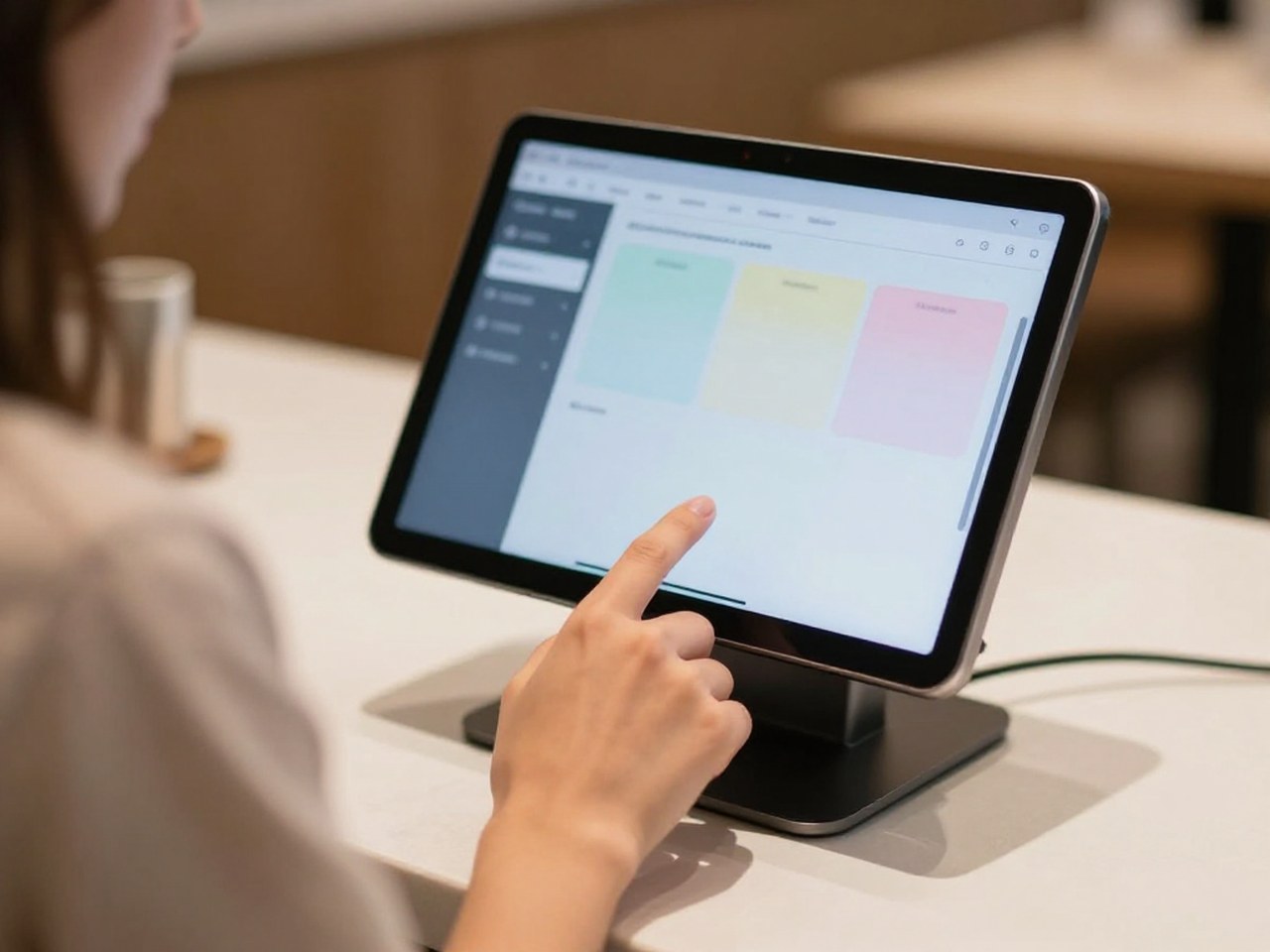
No POS yet? KwickPhone can be your POS too — a built-in register, orders & menu in one place. Already on a POS? Orders write straight back into it.