KwickPhone for Dental Offices · Deposits & payment by phone
Take the deposit before the schedule opening cools off
KwickPhone collects a PCI-safe deposit on the phone so the chair stays booked, even when your front desk has both hands full.
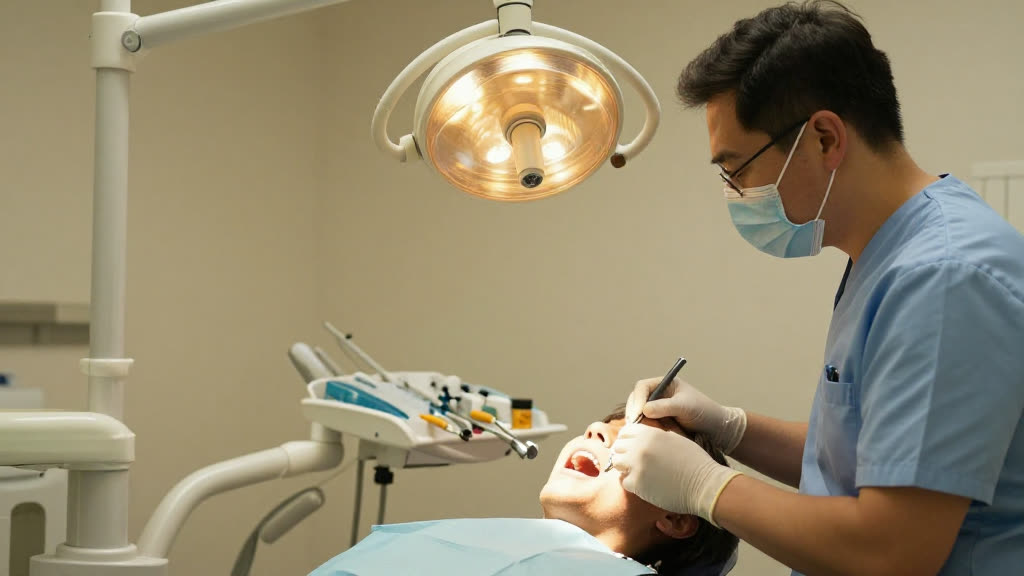
KwickPhone collects a PCI-safe deposit on the phone so the chair stays booked, even when your front desk has both hands full.
It's 4:40 and the front desk is mid-checkout: running a card, scheduling a six-month recall, printing a receipt. Line two is a new patient ready to book a crown prep, line three is someone with a broken filling and a Saturday flight. The new patient asks the question that decides everything, "Do you take a deposit to hold it?" and there's no one free to walk them through a card over the phone, so they say they'll call back. They don't. The opening you held for them sits empty two weeks later, and the emergency caller gives up on hold and dials the office down the street.
KwickPhone answers all three lines at once and actually finishes the money part of the conversation. When the booking needs a deposit to be real, it reads back the appointment, states the deposit amount your office has set, and collects the card over the phone through a payment flow where the raw card number never sits with your staff or in a notebook by the phone. It confirms the charge, books the slot against it, and drops the confirmation into your system so the front desk sees a held, paid appointment instead of a sticky note that says "call back about deposit." If the card declines or the caller hesitates, it doesn't fake a booking, it tells them plainly and offers to try another card or have a person follow up.
For a dental office this is the difference between a schedule that looks full and a schedule that pays. Crown preps, larger restorative cases, and same-day emergency visits are exactly the appointments people book and then ghost, and they're the ones that hurt most to lose, because that chair time was reserved for a high-value procedure and can't be backfilled at the last minute. A deposit taken at the moment of booking turns a verbal "I'll be there" into commitment, and it lets you offer real emergency slots to strangers without gambling clinical time on someone who may never show.
A new patient calls wanting a crown prep after a tooth cracked on vacation; they're motivated but you've been burned by no-shows on big restorative slots. KwickPhone books the prep, explains the deposit holds the appointment and applies to the treatment, and collects the card over the phone, so the slot is committed before they hang up.
Someone calls Friday afternoon in real pain asking if you can see them for emergency dental that day. KwickPhone offers your held emergency slot, takes a deposit to make sure a stranger in pain actually shows for the time you're reserving, and confirms the visit, all while your front desk keeps checking out the patient in front of them.
A caller wants to book but says they're not comfortable giving a card to a machine. KwickPhone doesn't push; it explains the card is handled securely and never stored, and if they still prefer not to, it holds the slot briefly and hands off to a staff member to take the deposit or arrange another way.
A patient's card is declined when KwickPhone tries to run the deposit for a fillings-and-crowns appointment. Instead of quietly booking anyway, it tells the patient the card didn't go through, offers to try another, and if that fails, flags the appointment as unconfirmed so your team knows the deposit is still owed.
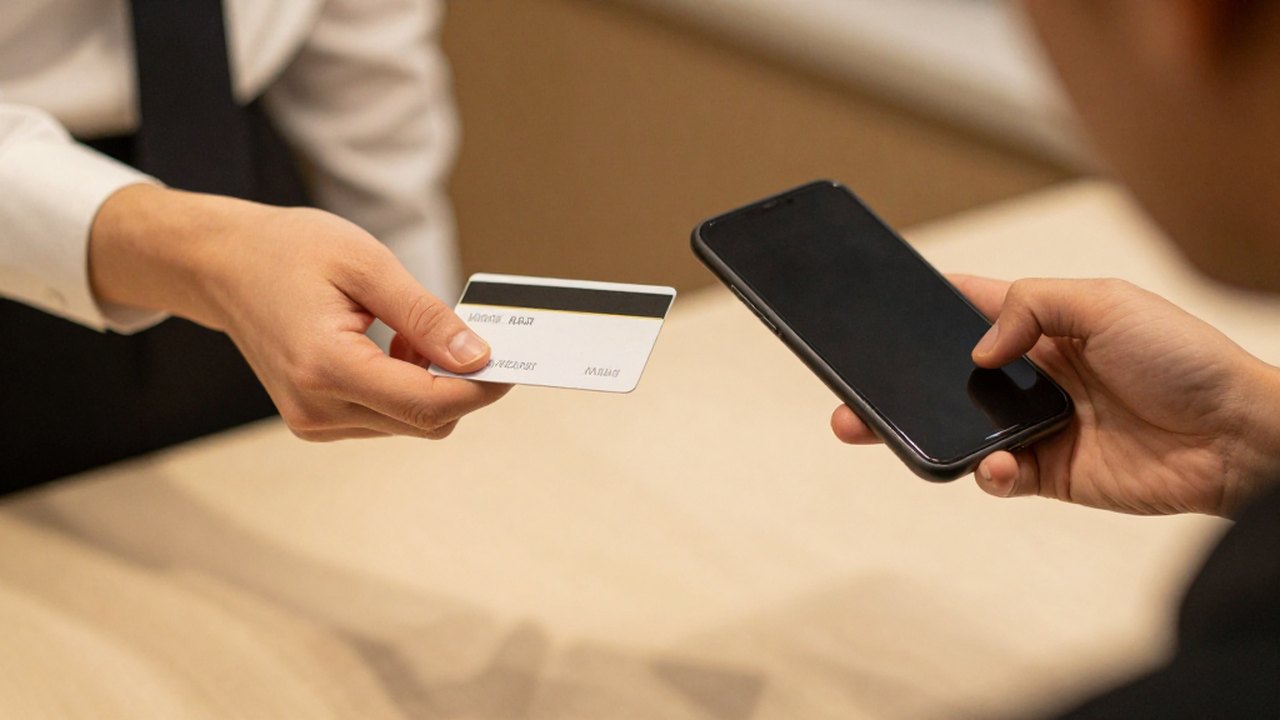
Front desk is checking out one patient while two callers wait — and a toothache emergency hangs up. KwickPhone answers every call for your dental office business — not just deposits & payment by phone, but the everyday requests that keep ringing in:
Every call is picked up 24/7 in English, Spanish & Chinese, with no hold music — and each order, booking or quote is written straight into the POS you already run, or KwickPhone’s own built-in POS if you don’t have one. No missed calls, no voicemail, no lost dental office jobs.
No POS yet? KwickPhone can be your POS too — a built-in register, orders & menu in one place. Already on a POS? Orders write straight back into it.