How to Set Up AI Phone Answering Without Changing Your Number
One of the most common worries we hear about adding an AI phone agent is also the easiest to put to rest: you don't have to change your phone number. Your number stays exactly where it is—on your sign, your menus, your Google listing, and in your regulars' phones. Setting up AI phone answering is mostly a matter of telling your existing line where to send calls.
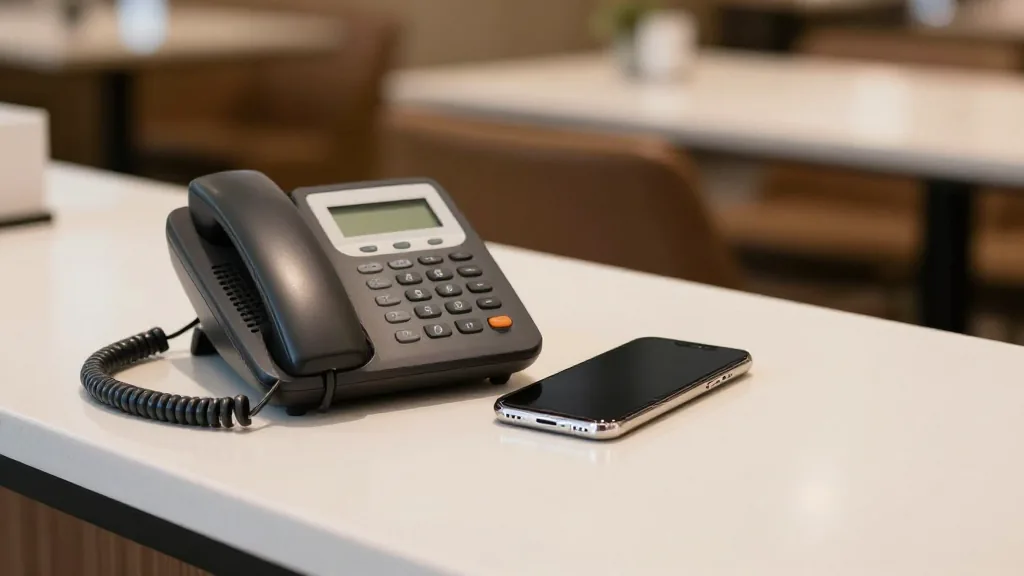
Here's how to forward your number to an AI, the different ways to do it, and how to make sure callers can always reach a real person when they want one.
You keep your number—no porting, no hardware
There is nothing to rip out and nothing to install. You don't port your number to a new provider, you don't buy a new phone, and you don't rewire anything. You simply forward your calls to KwickPhone, and from that moment on, the calls your line receives are answered by the AI. If you ever want to turn it off, you reverse the same setting and calls ring at your counter again.
Forward your number with a call-forwarding code
On most US landline and carrier lines, call forwarding is built in and toggled with a short star code. The common pattern is:
- Turn forwarding ON: dial *72, then the KwickPhone number you were given.
- Turn forwarding OFF: dial *73.
These codes work across many major providers, including AT&T, Comcast/Xfinity, Verizon, Spectrum, and others. Important: the exact codes can differ depending on your carrier and plan, so confirm the right sequence with your provider before you flip the switch.
Tip: test it. After you enable forwarding, call your own restaurant number from a cell phone—you should reach KwickPhone within a ring or two. If you don't, double-check the code with your carrier.
Forward everything, or just the overflow
You have a choice in how much you hand off. Two common setups:
- Forward all calls. Every call goes straight to KwickPhone. Good for after hours, or when you want consistent coverage without tying up staff.
- Forward only when busy or unanswered. With busy/no-answer forwarding, your staff answers first, and KwickPhone catches the overflow—the calls that would otherwise hit a busy signal or ring out during a rush.
The overflow setup is a favorite for restaurants that still want a human to grab the phone when they can, but never want a caller to give up because no one picked up. As with basic forwarding, the codes for busy and no-answer forwarding vary by carrier, so check with your provider for the exact sequence.
Using VoIP or a cloud phone system?
If your phones run on a VoIP or cloud provider—such as RingCentral, Vonage, 8x8, Grasshopper, or Ooma—you usually don't dial a code at all. You set call forwarding inside the provider's online dashboard, point it at your KwickPhone number, and save. For many businesses this is even easier than star codes, because you can configure rules (all calls, after hours, overflow) right from the screen.
Callers can always reach a person
Forwarding to an AI doesn't mean walling off your guests. If a caller would rather speak to someone on your team, KwickPhone transfers them to your staff. Nobody gets trapped in a loop with the AI—the handoff to a human is built in, so the experience stays friendly even for callers who simply prefer a person.
Live in minutes
For most lines, the whole setup is a single forwarding change and a quick test call—you can be live in minutes. And if you run on KwickOS, it's even simpler: AI phone answering is native to the platform, so you can switch it on in about 30 seconds without touching your carrier settings at all.
Keep your number. Stop missing calls.
KwickPhone answers every forwarded call, completes the request, and hands off to your staff whenever a caller wants a person. We'll walk you through forwarding on your exact carrier or VoIP setup.
Book a demoRelated reading: AI phone answering for restaurants: the 2026 guide and after-hours phone answering for restaurants.