KwickPhone for Roofers · Review requests & callbacks
The roof is done, but the review never gets asked
KwickPhone follows up after every job so the callback gets returned and the review actually gets left.
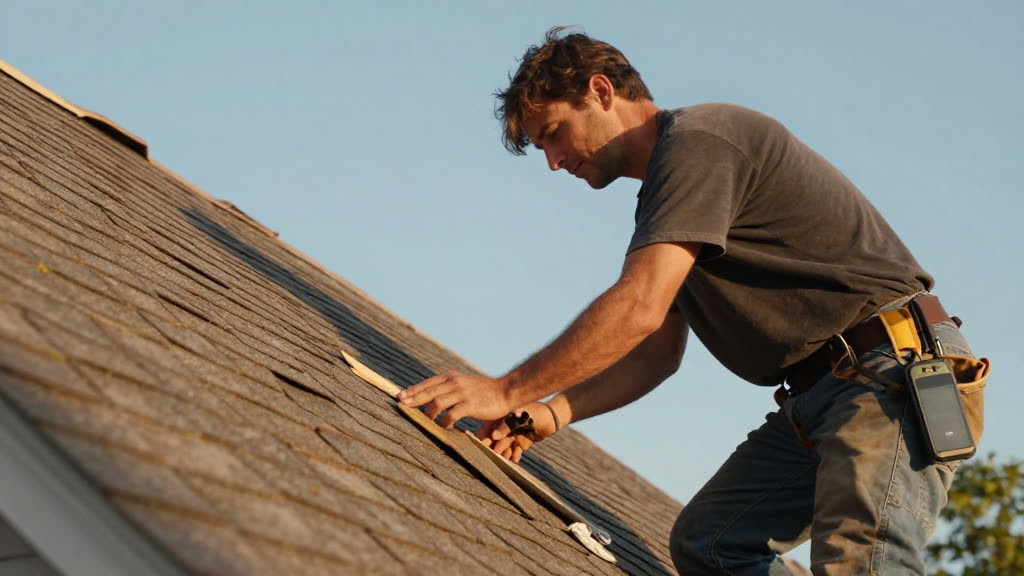
KwickPhone follows up after every job so the callback gets returned and the review actually gets left.
You finished a full tear-off and re-shingle on Tuesday. The homeowner was thrilled, walked the yard with you, shook your hand, said they'd tell the neighbors. You meant to text them a review link. Then it rained Wednesday and you were chasing two leaks, Thursday you were up on a steep pitch all day, Friday you were writing estimates, and by the weekend that happy customer was a happy memory with no five-star review attached to it. Meanwhile the same week, an old customer called to say a flashing detail you'd fixed was leaking again — but you were on a roof and couldn't pick up, and they left a voicemail that sat for two days while they got nervous and started thinking the worst.
KwickPhone closes both loops for you. After a job is marked complete, it can place the review request — a friendly call or text in English, Spanish, or Chinese, timed for a day or two after you've left, asking the homeowner how the roof held up and offering the direct link to leave a review. When someone calls you back about a finished job — a question, a warranty concern, a 'hey it's dripping again' — it answers on the first ring, gets the address, figures out whether this is your existing customer and which job it was, logs exactly what they're describing, and either books the callback visit or flags it to you as urgent. Nothing rots in voicemail.
This matters for roofing more than almost any trade because your reputation is your whole pipeline and your work is invisible from the ground. Nobody can see the underlayment, the ice-and-water shield, the way you stepped the flashing — so the review is the only proof a future homeowner gets that you did it right. And a follow-up call that catches a small leak in week one is the difference between a quick courtesy fix and a callback that's festered into a soaked ceiling, an angry one-star, and a warranty fight. You can't make those calls from a pitched roof. KwickPhone makes them for you.
A homeowner whose roof you replaced last week answers KwickPhone's follow-up call and says it looks great and the crew cleaned up well. KwickPhone thanks them, texts them the review link while they're still on the phone and feeling good about it, and marks the job as review-requested so you're not guessing who you've already asked.
Two days after a leak repair, your follow-up call reaches a customer who says the ceiling stain is still spreading. KwickPhone doesn't ask for a review — it pulls up the original repair, logs that the leak appears to be ongoing, flags it urgent, and books the soonest callback slot so you can get back up there before a happy customer becomes a furious one.
An old customer calls during a downpour saying water is coming in around the chimney you flashed two winters ago. KwickPhone answers on the first ring, confirms the address, recognizes the prior job, notes there's active water inside right now, and pushes it to you as urgent rather than leaving it in voicemail while you're stuck on another roof.
Someone calls back a few days after their inspection asking what the estimate covered and whether the storm damage qualifies for insurance. KwickPhone identifies them, recalls that you did an inspection and estimate, reads back only what's actually in your notes, and books a follow-up call with you for the insurance questions instead of guessing at coverage it can't speak to.
You don't answer the phone from a pitched roof. By the time you're down, the lead's gone cold. KwickPhone answers every call for your roofer business — not just review requests & callbacks, but the everyday requests that keep ringing in:
Every call is picked up 24/7 in English, Spanish & Chinese, with no hold music — and each order, booking or quote is written straight into the POS you already run, or KwickPhone’s own built-in POS if you don’t have one. No missed calls, no voicemail, no lost roofer jobs.
No POS yet? KwickPhone can be your POS too — a built-in register, orders & menu in one place. Already on a POS? Orders write straight back into it.