KwickPhone for Event Planners · Deposits & payment by phone
On the headset mid-event when a deposit call slips away
KwickPhone answers the new-client call, locks the date, and runs the deposit while you stay on the floor.
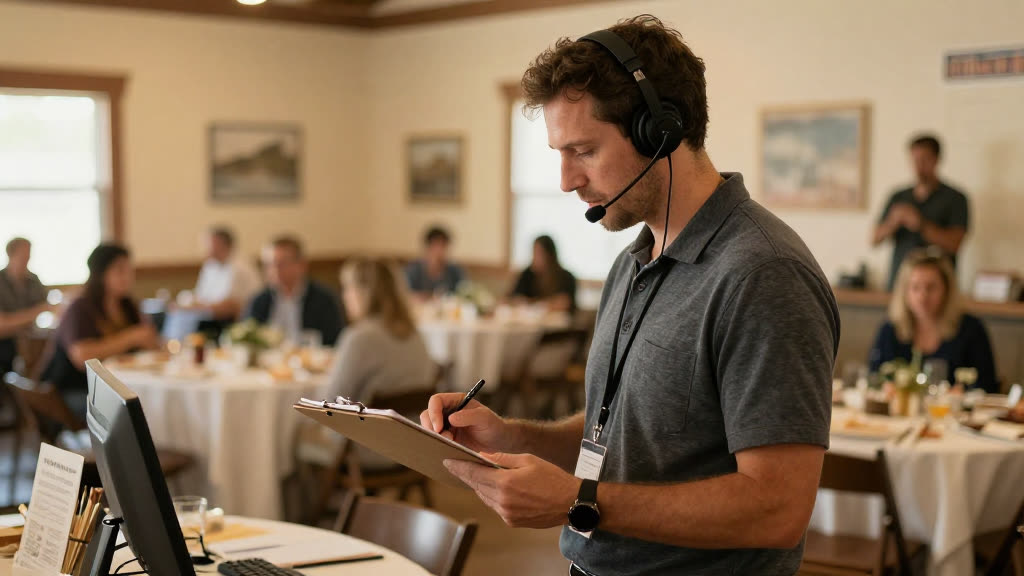
KwickPhone answers the new-client call, locks the date, and runs the deposit while you stay on the floor.
You're three hours into a 200-guest reception, mic'd up, watching the caterer plate the entrée and timing the toasts. Your phone lights up: a bride who got your name from a venue coordinator, ready to put money down for a date in the fall. She's calling now because she's excited now. But you can't pick up — you're standing next to the DJ, your hands are full, and by the time the cocktail hour ends and you finally check your phone, she's left a vague voicemail and probably called two other planners. The booking that would have funded next quarter just walked, not because you weren't good enough, but because nobody was there to take her deposit at the exact moment she was willing to give it.
KwickPhone answers that call on the first ring while you're still on the floor. It speaks from your real intake details — the services you offer, your typical date-hold policy, your deposit amount and terms — and walks the caller through exactly what holding a date requires. When she's ready to lock it in, KwickPhone takes the deposit over the phone through a PCI-compliant payment flow: the card number is entered into the secure processor, never read aloud to a person, never written on a notepad, never sitting in a voicemail. The date is held, the deposit is captured, and the details land in your system before you've even finished the cocktail hour.
For an event planner this matters more than for almost any other trade, because your inquiries don't arrive evenly — they cluster around the exact hours you're physically trapped at an event. Saturdays are when you're working a wedding and also when newly engaged couples are calling. Holiday weekends pack your corporate galas and your inbound consultations into the same 48 hours. The deposit is what separates a 'maybe' from a confirmed date on your calendar, and the willingness to pay it has a short shelf life. Capturing it the moment the caller is ready — instead of after you've torn down and driven home — is the difference between a held date and a lost one.
A newly engaged couple calls on a Saturday afternoon while you're coordinating another wedding; they want to hold an October date and are ready to put down a deposit right then. KwickPhone confirms the date is open, explains your hold terms, takes the deposit through the secure payment flow, and texts them a confirmation — the date is locked before they've hung up.
An office manager calls about a corporate holiday party for 80 people and needs to 'get something on the books' before her budget approval expires Friday. KwickPhone captures the event type, date, and headcount, runs the deposit to reserve the date, and flags the booking as corporate so you can scope full versus partial planning when you follow up Monday.
Someone calls wanting a quick consultation but isn't sure they're ready to pay; they just want to know how it works and what a deposit covers. KwickPhone explains your consultation process and deposit policy plainly, and because the caller hesitates rather than commits, it takes their details and books the consult instead of pushing a payment they're not ready for.
A past client calls to add a partial-planning piece to an event that's already underway in your calendar, and wants to pay the difference now. KwickPhone recognizes this is an existing booking it can't safely modify on its own, takes a detailed message with the client's request and the amount mentioned, and routes it to you so you can confirm the change yourself.
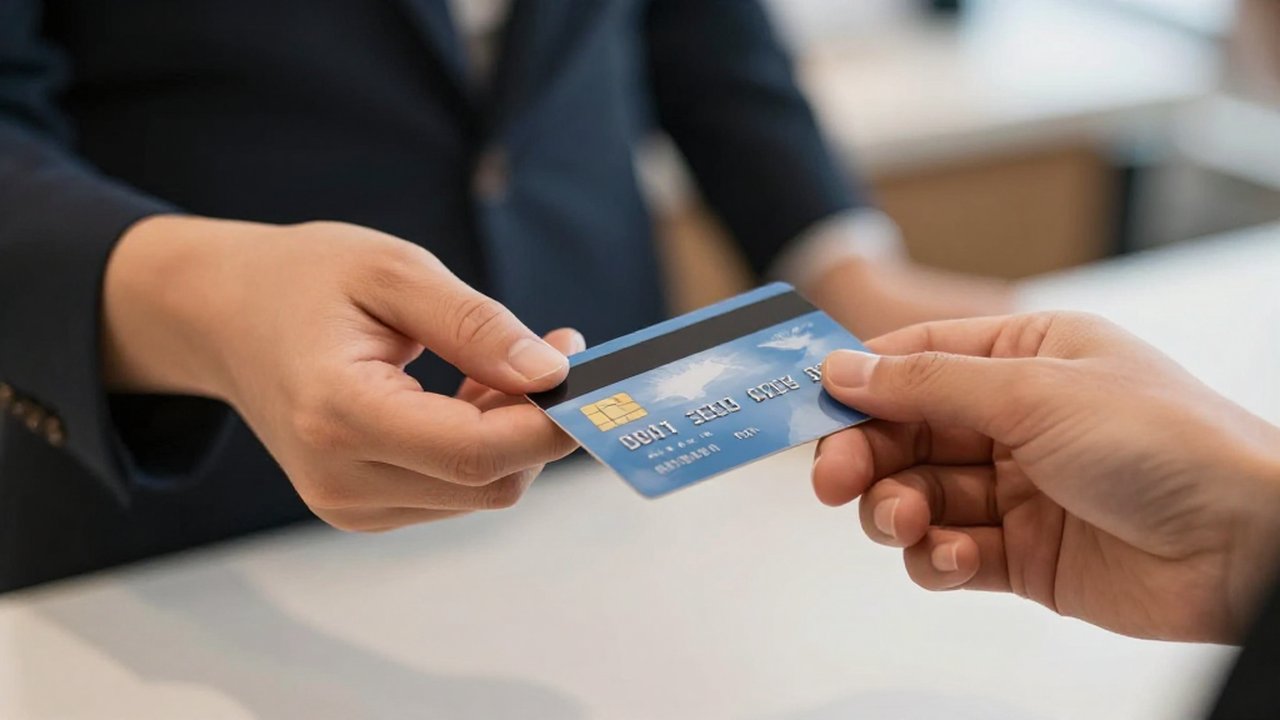
On-site coordinating, headset full — the phone rings with a new client and there's no one to capture it. KwickPhone answers every call for your event planner business — not just deposits & payment by phone, but the everyday requests that keep ringing in:
Every call is picked up 24/7 in English, Spanish & Chinese, with no hold music — and each order, booking or quote is written straight into the POS you already run, or KwickPhone’s own built-in POS if you don’t have one. No missed calls, no voicemail, no lost event planner jobs.
No POS yet? KwickPhone can be your POS too — a built-in register, orders & menu in one place. Already on a POS? Orders write straight back into it.