KwickPhone for Dog Walkings · Text-to-order, booking & reservations
Both hands on the leash, the booking text goes unread
KwickPhone watches your texts like it answers your calls, so every walk request gets confirmed even when your hands are full.
KwickPhone watches your texts like it answers your calls, so every walk request gets confirmed even when your hands are full.
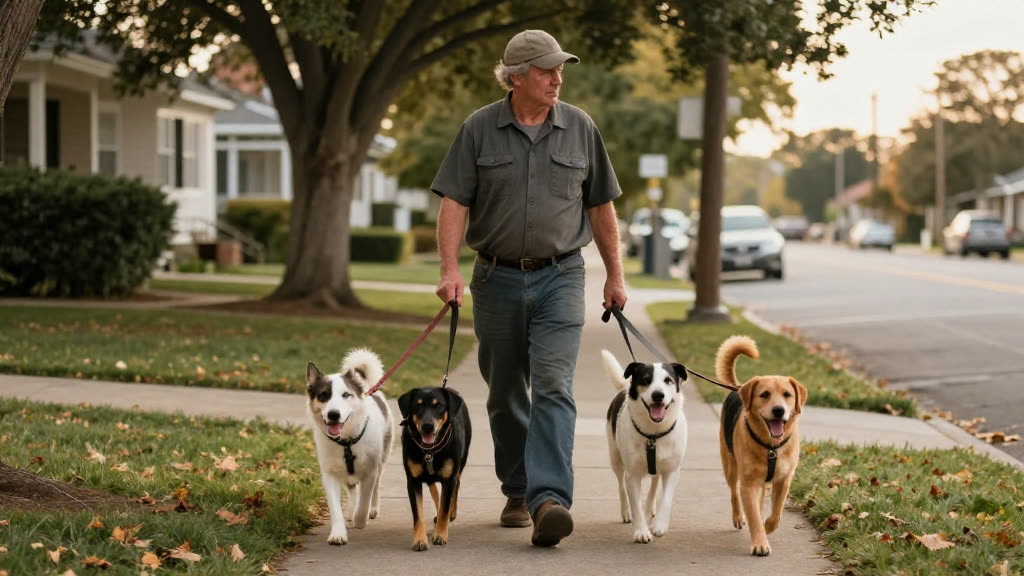
You're mid-walk with three dogs, one pulling toward a squirrel, the leashes wrapped twice around your wrist, a poop bag in your free fingers. Your phone buzzes in your back pocket. You feel it, but there is no way to dig it out right now without losing control of the pack, so you tell yourself you'll check at the next corner. By the time you do, you've gotten two more buzzes, and the first one was a regular client's neighbor asking if you have room for a daily walk starting Monday. You text back forty minutes later. She's already booked someone else, because the someone else replied in four minutes. The thing that stings is that you never even got the chance to say yes.
This is exactly the gap KwickPhone closes. A text doesn't ring, doesn't demand attention, doesn't follow you down the street the way a phone call does — it just sits there silently while you're out doing the actual job. KwickPhone reads every incoming text the same instant it arrives and acts on it: it knows your walk types, your service area, your availability rules, and it replies to the client in plain language, confirms the day and time, asks the one or two things it needs (which dog, what address, recurring or one-off), and writes the booking straight into your schedule. You don't have to free a hand. You don't have to remember. The booking is captured before the squirrel is out of sight.
For dog walking this matters more than for almost any trade, because your work physically prevents you from touching your phone. A plumber can set down a wrench; you can't set down a leash with a reactive dog on the other end. Your busiest, most-bookable hours — early morning and midday, when people are at work realizing nobody's home for their dog — are the exact hours you're unreachable. New clients in this business choose on speed and trust, and a fast, accurate, calm reply at the moment they reach out is what wins the recurring slot. KwickPhone gives you that reply without ever asking you to choose between the dog in your hand and the client on your phone.
A current client's coworker texts at 8:40 a.m.: 'Hi, [client] said you walk dogs in Oak Forest — I have a beagle, need someone weekday afternoons.' You're out with the morning pack and can't look. KwickPhone confirms you cover Oak Forest, asks the beagle's name, address, and which weekdays, and books a recurring afternoon daily-walk slot, then texts the coworker the confirmed schedule — all before you reach the next house.
Someone texts 'can you do a drop-in today around 2, going out of town tonight.' It's last-minute. KwickPhone checks that 2 p.m. is open in your window, confirms the drop-in, asks for the address and where the key or code is, and writes it in — and if 2 is already full, it offers the next open time you do have instead of leaving them hanging.
A new puppy owner texts a long message: 'got a 10-week-old lab, can't leave him alone all day, what do you offer?' KwickPhone explains your puppy-visit service in plain terms, asks the puppy's name, address, and how many visits a day they're thinking, and either books the first visit or, if they want to talk it through, takes their details and flags it for you to call back.
A regular texts 'send me the GPS thing when you walk Max today.' KwickPhone confirms today's walk is on the schedule and that the GPS update is set for Max's walk, so the client gets reassurance instantly instead of wondering whether you saw the message while you're already out with another dog.
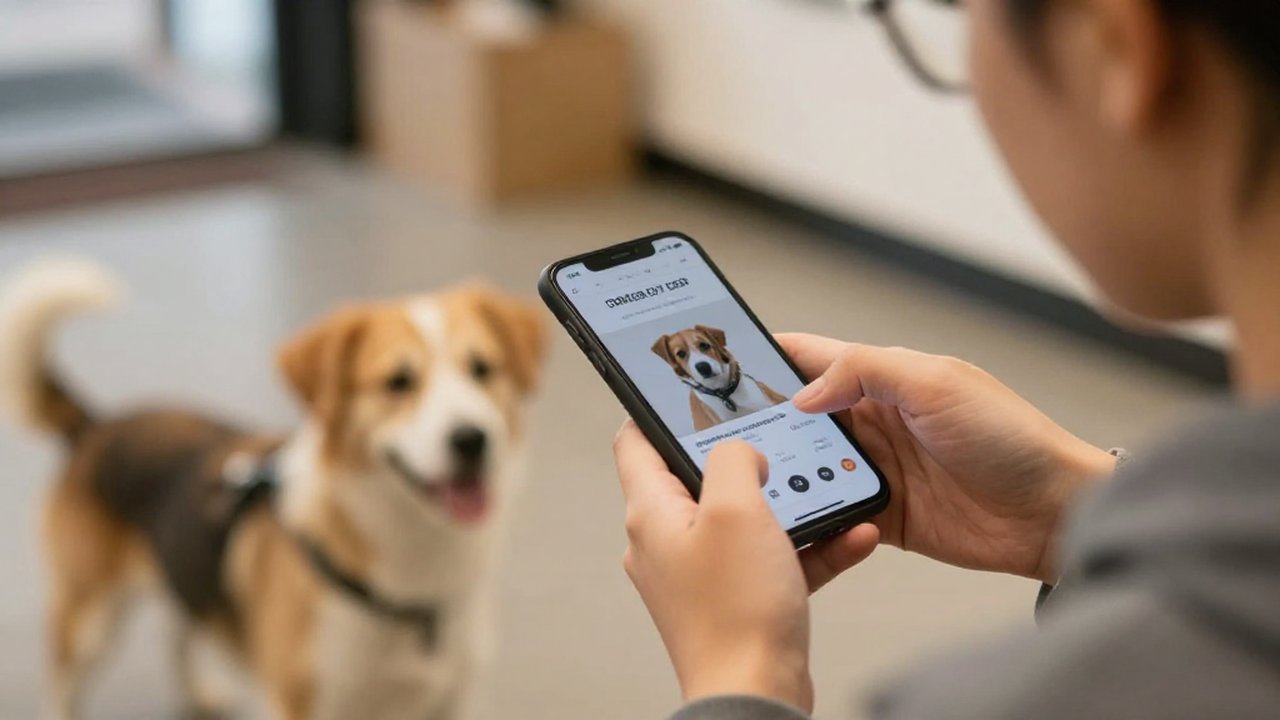
Leashes in both hands, three dogs pulling — you can't answer, and a new client books another walker. KwickPhone answers every call for your dog walking business — not just text-to-order, booking & reservations, but the everyday requests that keep ringing in:
Every call is picked up 24/7 in English, Spanish & Chinese, with no hold music — and each order, booking or quote is written straight into the POS you already run, or KwickPhone’s own built-in POS if you don’t have one. No missed calls, no voicemail, no lost dog walking jobs.

No POS yet? KwickPhone can be your POS too — a built-in register, orders & menu in one place. Already on a POS? Orders write straight back into it.