KwickPhone for Dog Walkings · Email orders, bookings & requests
The email asking for a walk sat unread for two days
KwickPhone watches your inbox like a receptionist and turns emailed booking requests into confirmed walks before they go cold.
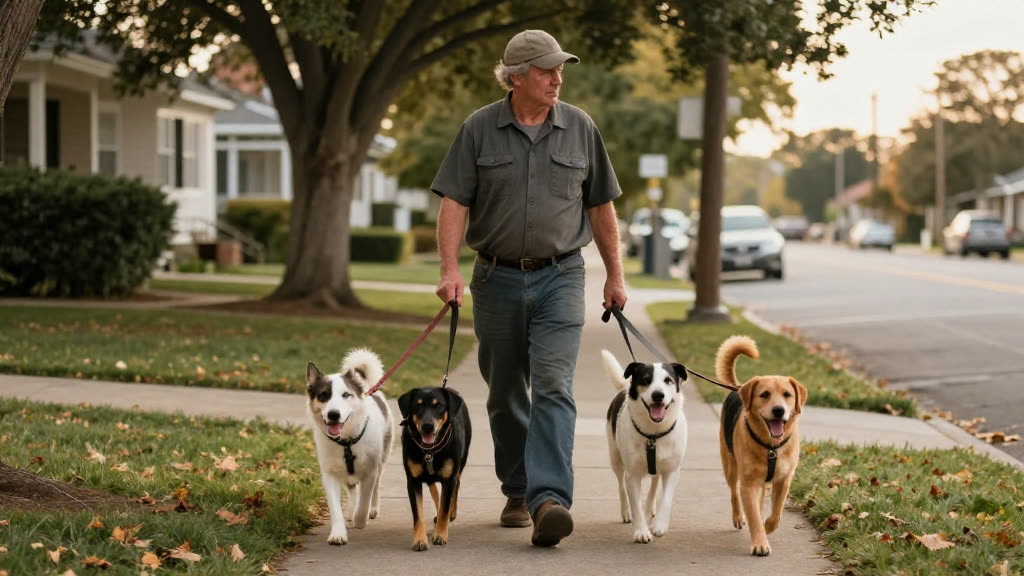
KwickPhone watches your inbox like a receptionist and turns emailed booking requests into confirmed walks before they go cold.
You're out on the morning route with three leashes wrapped around your wrist and a puppy that hasn't figured out heeling yet. Somewhere in your pocket, a phone buzzes. It's not a call — it's an email from a woman down the street whose regular walker just quit, asking if you have room for daily walks starting Monday. By the time you get home, feed the dogs, log the GPS updates, and finally open your inbox at nine at night, there are eleven other messages on top of it. You see hers, mean to reply, and don't. Three days later she's already booked someone else, because silence reads as "no."
KwickPhone reads your inbox the moment that email lands. It recognizes that she's asking about availability for daily walks, checks against the schedule and service area you've given it, and replies in plain, warm language — confirming you have room, naming your daily-walk and drop-in options, and asking the two things you actually need to book her: her dog's name and the days she wants. When she answers, it writes the booking into your calendar and tells you it's done. You never opened the laptop. You were still on the trail.
For a dog walker this matters more than for almost any trade, because your work is physically hands-full and time-locked. You can't pull over mid-walk to type a paragraph, and your highest-value hours — morning and midday — are exactly when new clients are emailing, having just realized their old arrangement fell through. Email was always the channel where the careful, planning-ahead clients found you (the ones who book standing daily walks, not one-offs), and it was also the channel where they quietly slipped away because a ringing phone demands an answer while an email just waits. KwickPhone closes that gap without making you stare at a screen.
A new client emails Tuesday morning: "My walker moved away — do you do daily walks in Oak Hollow? I have a 60lb lab." KwickPhone checks that Oak Hollow is in your service area, confirms you take daily walks, and replies asking which days she needs and the lab's name and energy level, then books the standing slot once she answers — all before you're back from your eleven o'clock.
A regular client writes at 6am: "Can you add a midday drop-in for Bella today? Working late." KwickPhone recognizes Bella as an existing dog, confirms a drop-in is available, adds it to today's route, and replies that it's set with the usual key/door instructions on file — so you see the update, not a frantic 'did you get my email?' text at noon.
Someone asks: "Do you visit puppies during the day? Ours is 10 weeks and can't hold it long." KwickPhone explains your puppy-visit service in plain terms, asks the puppy's name and the address, and flags to you that it's a young puppy needing a meet-and-greet first — booking the intro visit rather than committing to a full daily schedule it shouldn't assume.
A prospect emails: "What do you charge for two dogs, twice a day?" Since custom multi-dog pricing isn't something you've set a fixed rule for, KwickPhone doesn't invent a number — it replies warmly that you'll confirm the exact rate, captures the dogs' details and schedule, and hands you a tidy summary so you can quote and close without losing the lead to delay.
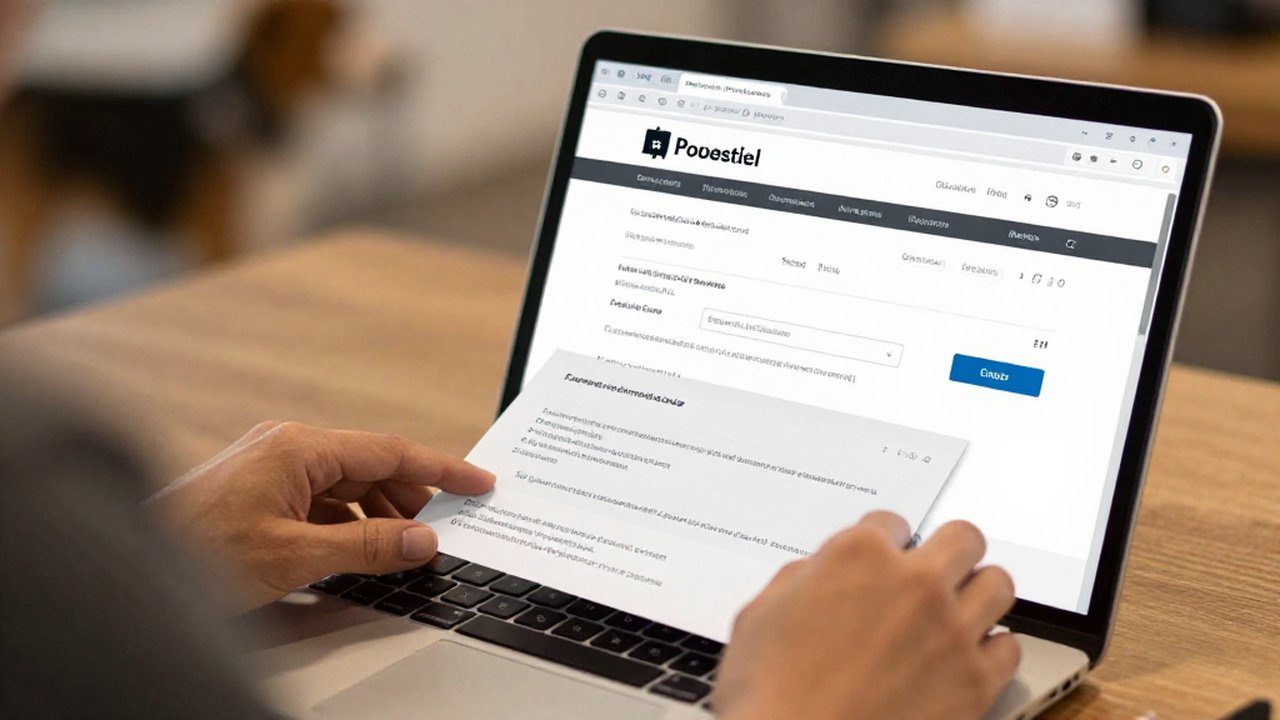
Leashes in both hands, three dogs pulling — you can't answer, and a new client books another walker. KwickPhone answers every call for your dog walking business — not just email orders, bookings & requests, but the everyday requests that keep ringing in:
Every call is picked up 24/7 in English, Spanish & Chinese, with no hold music — and each order, booking or quote is written straight into the POS you already run, or KwickPhone’s own built-in POS if you don’t have one. No missed calls, no voicemail, no lost dog walking jobs.
No POS yet? KwickPhone can be your POS too — a built-in register, orders & menu in one place. Already on a POS? Orders write straight back into it.