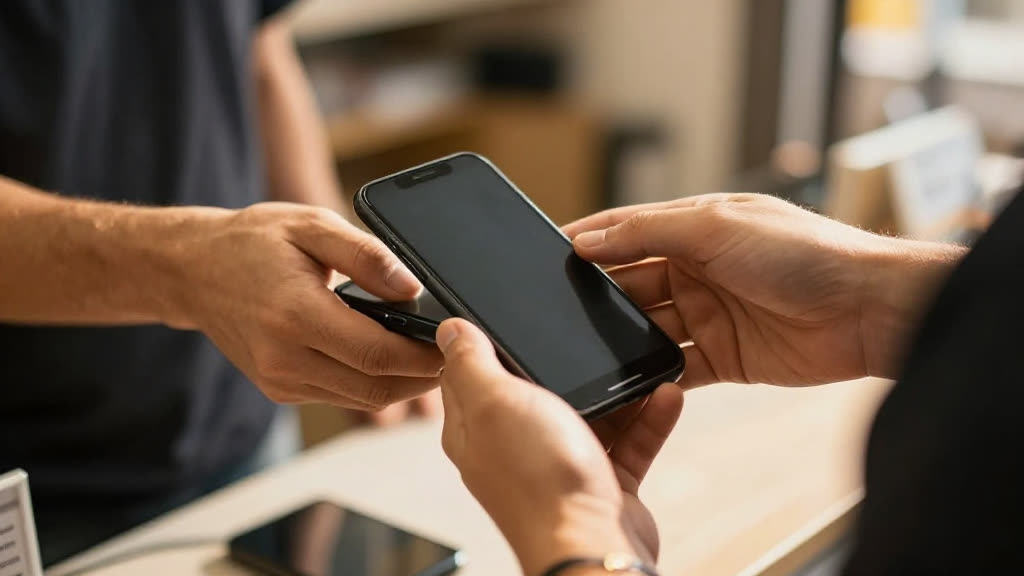
Do I need a card reader?
No — that’s the point. Tap to Pay uses the phone’s built-in NFC, so there’s no hardware to buy or carry. It runs in the KwickPhone mobile app (Tap to Pay needs a native app; it can’t run in a web browser).
Can it take payment on the call?
Yes — fully PCI-compliant. It charges a card on file or takes a new one, and no one reads a card number out loud.
How long does setup take?
Minutes. Sign up yourself and set it up by talking — no website or typing required.
What happens if Tap to Pay is down when I'm standing in front of a customer?
If Tap to Pay cannot process the tap, KwickPhone shows the failure immediately so you can retry or take another payment method on the spot. No charge is recorded on your side unless Tap to Pay returns a successful authorization, so you won't have a job marked paid that never actually went through.
What exactly does KwickPhone do versus what Tap to Pay handles?
KwickPhone triggers the payment prompt, ties the transaction to the right job and customer, and sends the receipt text. The actual card read, encryption, authorization, settlement, and payout all happen inside Tap to Pay, which remains the system of record for funds. We do not touch or store the card data ourselves.
Can I run this across multiple locations or several field techs?
Yes. Each phone that has the KwickPhone and Tap to Pay setup can take taps independently, and transactions are attributed to the tech or location that collected them. You can review totals per location in your reporting rather than pooling everything into one bucket.
If I switch away from Tap to Pay later, do I lose my payment history?
Your transaction and payout history lives in Tap to Pay, so it stays in your Tap to Pay account whether or not KwickPhone is connected. If you move to a different processor, you disconnect Tap to Pay in KwickPhone and connect the new one; the appointment and customer records we hold stay with us.