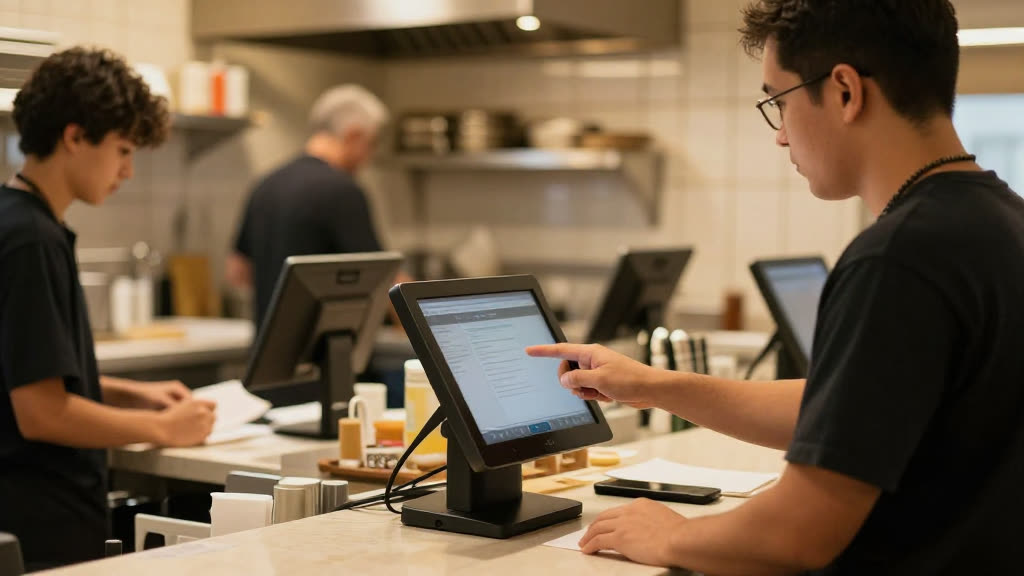
Do I have to switch off Lavu?
No. Keep Lavu exactly as it is — KwickPhone bolts on top and the orders land in Lavu.
Can it take payment on the call?
Yes — fully PCI-compliant. It charges a card on file or takes a new one, and no one reads a card number out loud.
How long does setup take?
Minutes. Sign up yourself and set it up by talking — no website or typing required.
What happens to phone orders if Lavu is down or the connection drops?
If Lavu is unreachable, KwickPhone holds the completed order and retries automatically, and it can text or email the ticket details to your staff so nothing is lost. The menu it reads from is cached, so callers can still place orders even during a brief outage. Once Lavu comes back, queued tickets are pushed through in order.
Does this work if we run multiple locations on Lavu?
Yes. Each location connects to its own Lavu account or store, so an order taken for a specific number or address routes to the right kitchen with that location's menu and pricing. You can manage all locations from one dashboard while keeping tickets and reporting separate per store.
What is not automated, and when does a call still reach a person?
KwickPhone handles standard pickup and to-go orders grounded to your Lavu menu, but it hands off calls it isn't set up for, such as large catering quotes, complaints, or special requests. You decide which situations transfer to staff or take a callback message. Payment capture and any age-restricted items are handled per the rules you set, not guessed at.
If we switch off the integration or leave Lavu later, what happens to our data?
Your menu, pricing, and customer records stay in Lavu, which remains the system of record; KwickPhone reads from it rather than replacing it. Order and call history captured by KwickPhone is exportable, and disconnecting only revokes access without altering your Lavu data. There is no lock-in that keeps your menu or tickets hostage.