Ac+KPAcuity Scheduling + KwickPhone
On the roadmap
Integration · Acuity Scheduling

Book more jobs — even while you work.

Use Acuity Scheduling? KwickPhone answers every call, checks your availability, and books the appointment — 24/7, in English and Spanish — so an unanswered ring never becomes a lost booking.

Answers 24/7English & SpanishPCI-compliantNo new hardware
The Acuity Scheduling integration is on our roadmap. KwickPhone answers the call and takes the order today — the direct push into Acuity Scheduling is in build. Request early access → and we’ll prioritize it.
How it works

Answers and books into Acuity Scheduling.

01

Answers every call

24/7, on the first ring, in English or Spanish — while you run the floor or work the job.

02

Offers your real slots

Reads your open times, offers them on the call, and books the appointment with text reminders and confirmations.

03

Confirmed on the calendar

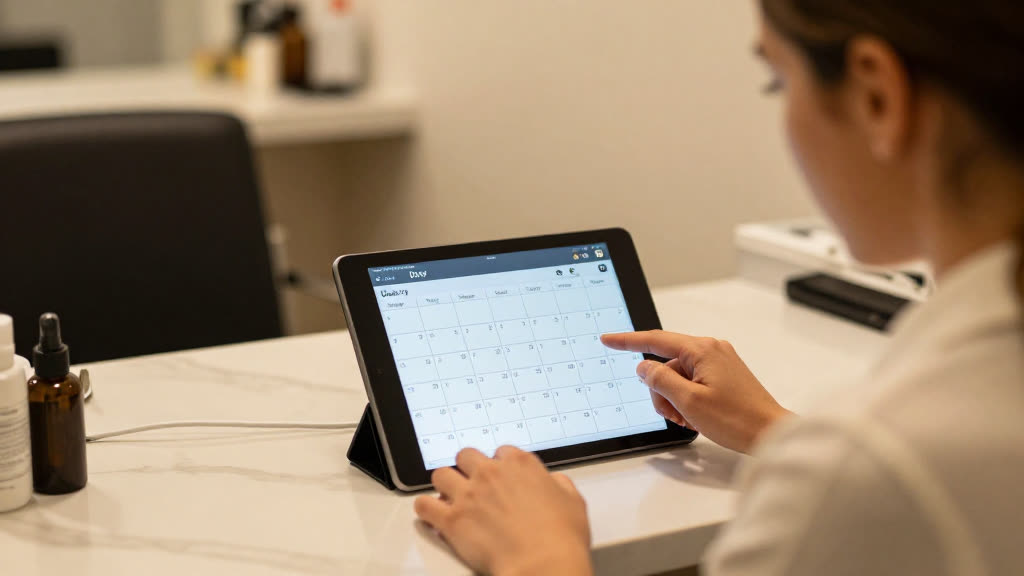
The appointment lands on your Acuity Scheduling calendar and the customer gets an instant text — no phone tag, no double-booking.

Books straight to your calendar24/7, English & SpanishNo phone tag

Questions

Do I have to switch off Acuity Scheduling?
No. Keep Acuity Scheduling exactly as it is — KwickPhone works alongside it, answers the calls, and hands your team the booked job to enter.
Can it take payment on the call?
Yes — fully PCI-compliant. It charges a card on file or takes a new one, and no one reads a card number out loud.
How long does setup take?
Minutes. Sign up yourself and set it up by talking — no website or typing required.

Turn missed calls into booked jobs with Acuity Scheduling.