KwickPhone for Tree Services · Review requests & callbacks
You finished the cut, then forgot to call them back
KwickPhone makes the follow-up calls and review asks for you, so good work actually turns into a reputation.
KwickPhone makes the follow-up calls and review asks for you, so good work actually turns into a reputation.
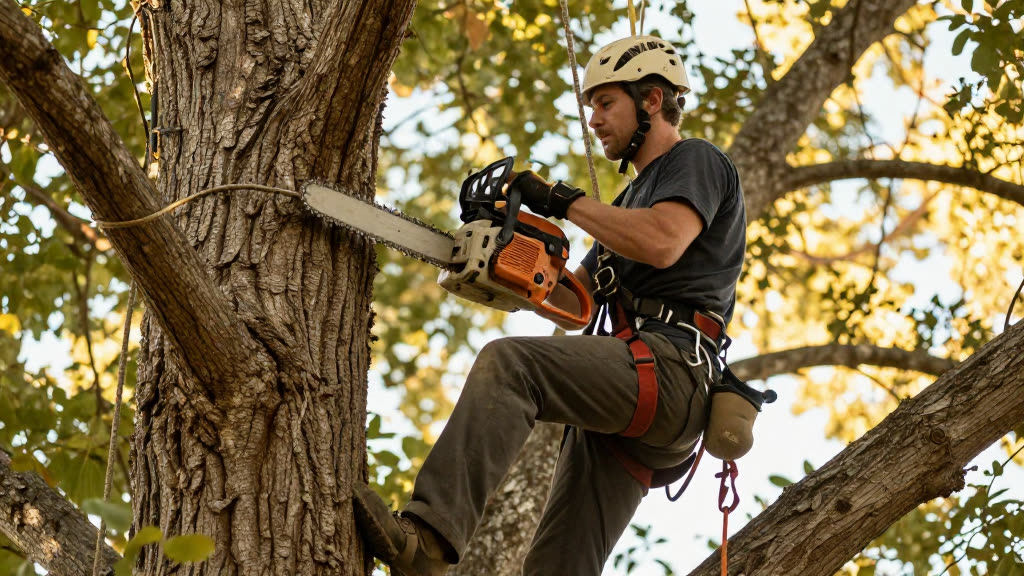
It's 4:40 on a Thursday. You just dropped a leaning oak that was hanging over a customer's roof, the chipper is still running, and there are three sticky notes in your truck door of people you swore you'd call back: one wants a quote on stump grinding now that the tree's gone, one storm-cleanup customer from last week, and one homeowner who left a voicemail two days ago. By the time the saws are loaded and you've driven home, you're cooked. The notes ride around in the truck for a week. The stump job goes to whoever called the guy back first, and the happy customer whose roof you saved never gets asked for a review — so the next person searching for a tree service in your town sees five reviews instead of fifty.
KwickPhone closes that loop for you. After a job is marked done, it can place the callback or send the review request itself — same day, while the work is still fresh in the customer's mind. It calls the storm-cleanup customer to confirm the haul-off looked right, it follows up on the stump-grinding lead before they shop around, and it texts the roof-saved homeowner a short, friendly review link with your name on it. It speaks from what's actually in your job notes — the address, what you removed, what's still pending — so it never promises a service you didn't do or quotes a price you never gave. When a customer says something it can't handle (a complaint, a re-cut request, a question about regrowth), it stops and hands it straight to you instead of guessing.
This matters more for tree work than for most trades because your jobs are big, infrequent, and emotional. People don't get a 60-foot pine taken down every year — when they finally do, they remember who did it, and they tell neighbors. A timely callback turns one removal into the stump grind, the trim on the other two trees, and the referral down the street. And reviews are the whole ballgame: a homeowner about to let strangers run chainsaws near their house and power lines is going to read every word of your reputation first. The follow-up you keep meaning to do is the exact thing that compounds — KwickPhone just makes sure it happens every time instead of when you happen to have a free evening.
A homeowner you removed a storm-split maple for picks up the callback and mentions the city still hasn't hauled the brush from the curb. KwickPhone confirms your crew already chipped and removed everything on the property, notes that the city's right-of-way pickup is separate, and logs the question for you to confirm — it doesn't guess at the city's schedule or promise a return trip you didn't plan.
A customer whose 40-foot pine you took down last week answers the follow-up sounding genuinely relieved. KwickPhone hears that, thanks them, and texts a review link with your business name pre-filled; when they ask 'how much to grind the stump now that it's down,' it captures that as a new lead and tells them you'll call with a firm number rather than quoting on the spot.
An emergency-service caller from a 2 a.m. limb-on-the-roof job gets a daytime callback. KwickPhone checks the job went smoothly, asks for a review, and when the customer says a small branch is still wedged in the gutter, it stops the review ask, flags it as a punch-list item, and hands it to you instead of pretending it's resolved.
A regular trim customer answers in Spanish. KwickPhone switches to Spanish, confirms the trimming looked the way they wanted, asks whether they'd like the same crew back next season, and offers a review link — turning a one-time trim into a standing seasonal customer without you making a single call.
Chainsaw running, both hands busy — the AI books the estimate while you finish the cut. KwickPhone answers every call for your tree service business — not just review requests & callbacks, but the everyday requests that keep ringing in:
Every call is picked up 24/7 in English, Spanish & Chinese, with no hold music — and each order, booking or quote is written straight into the POS you already run, or KwickPhone’s own built-in POS if you don’t have one. No missed calls, no voicemail, no lost tree service jobs.

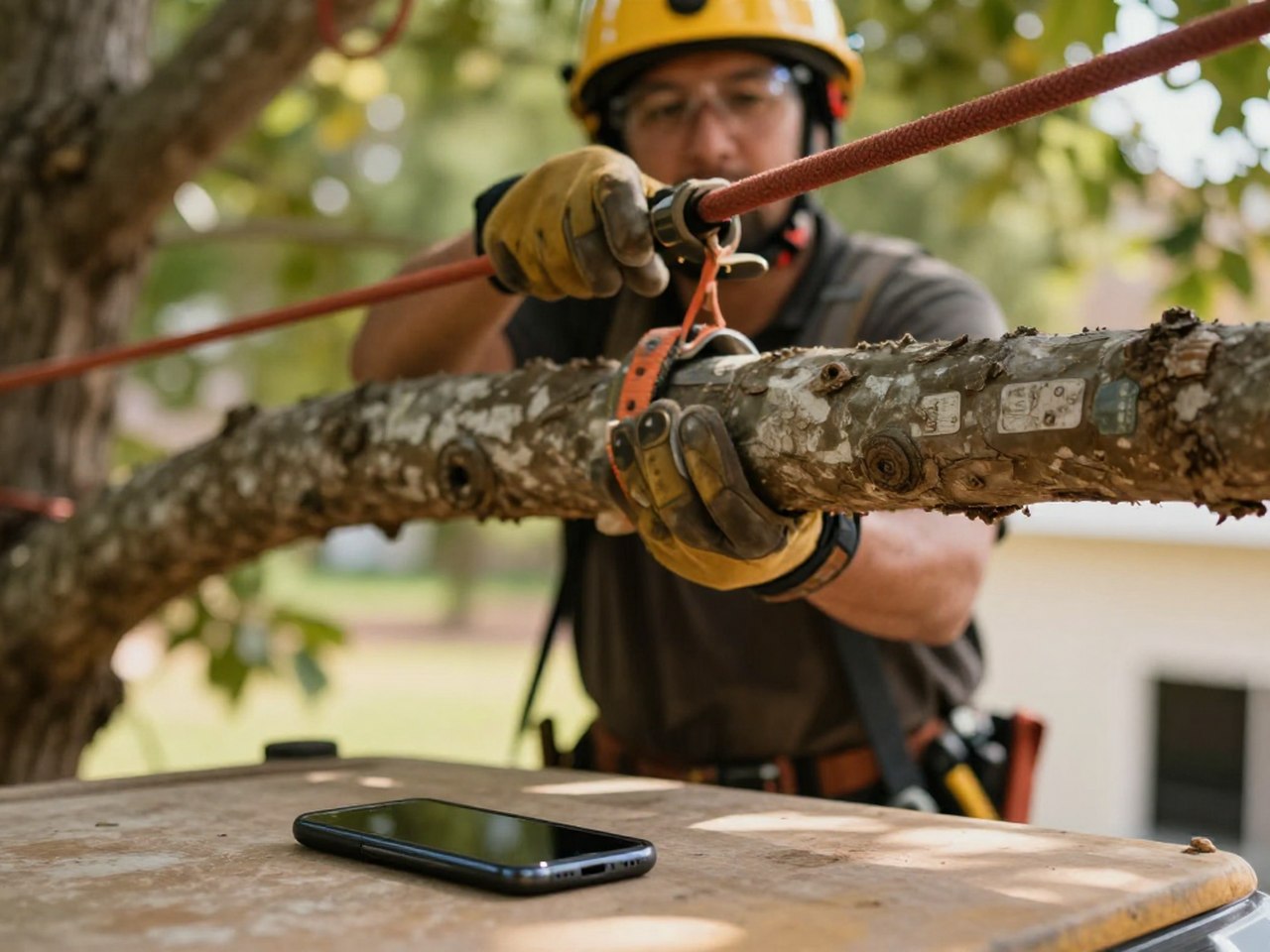
24/7, in English, Spanish and Chinese — KwickPhone completes the order or booking and writes it straight into the tools you already run.
No POS yet? KwickPhone can be your POS too — a built-in register, orders & menu in one place. Already on a POS? Orders write straight back into it.