KwickPhone for Tattoo Studios · Email orders, bookings & requests
Your inbox is full of clients you never answered
KwickPhone reads every booking and consult email the moment it lands, and turns it into a real appointment on your calendar.
KwickPhone reads every booking and consult email the moment it lands, and turns it into a real appointment on your calendar.
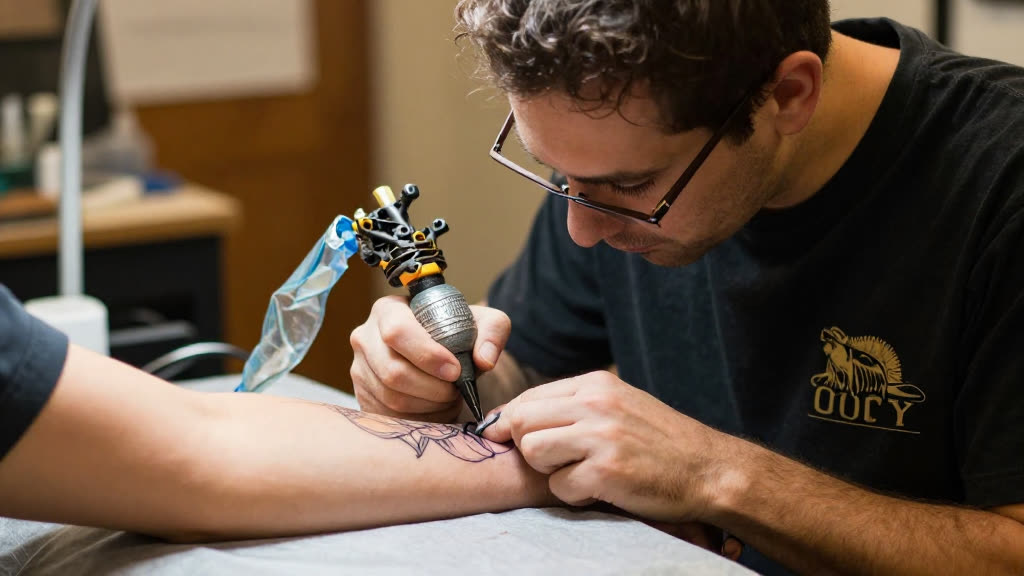
The machine is running, you're three hours into a back piece, and your phone is face-down on the cart because nothing breaks a line like glancing at it. Meanwhile your inbox is filling up: somebody wants a quote on a half-sleeve, somebody sent reference photos for a cover-up, somebody's asking if you do piercings on Sundays, and somebody who emailed two days ago has already booked with the shop down the street. The phone at least rings and nags you. Email just sits there, silent, polite, and dying. By the time you wipe down, restock, and finally open your laptop at midnight, the warm leads have gone cold and you're staring at a pile of half-questions you don't have the energy to answer.
KwickPhone watches that inbox the way a good front-counter person would watch the door. The second a consult request or booking email arrives, it reads it, understands what the person actually wants, and replies in plain language from what your studio really offers — your styles, your minimums, your deposit policy, your real open days. If someone emails reference images for a cover-up, it acknowledges them, explains that you'll need to see the existing piece before quoting, and offers your next consult slots. If someone asks for a small flash tattoo you can price upfront, it can quote from your sheet, take the deposit, and put them on the books. It never invents a price you didn't set or a date you're not free.
For a tattoo studio this matters more than for almost any other trade, because your booking decision is slow and personal. Nobody picks an artist off a menu; they email, they ask, they send a Pinterest screenshot, they wait. That back-and-forth is where the relationship starts, and it's exactly the part you physically cannot do with a needle in your hand. KwickPhone keeps that conversation alive during the eight hours you're heads-down on skin, so the person who emailed at 2pm gets a real, useful reply at 2:01 instead of a form letter at midnight — or nothing at all.
A client emails Saturday afternoon with three reference photos for a forearm cover-up over a faded name tattoo. KwickPhone replies that cover-ups need an in-person look so you can assess the existing ink and design around it, confirms you do this work regularly, and offers your two open consult slots next week — booking the one they pick and saving the reference images to the appointment.
Someone asks at 11pm whether you can do a small matching flash piece for two people this weekend and what it runs. Because that flash design is on your priced sheet, KwickPhone gives them the per-person price, explains the deposit, takes both deposits, and puts both slots on the books before they've closed the laptop.
A first-timer emails nervous questions: does it hurt that bad on the ribs, how long does a piece that size take, do you do walk-ins. KwickPhone answers honestly from your studio's info — ribs are a sensitive spot, the rough sitting time, and your real walk-in vs. appointment policy — then gently invites them to book a consult so you can talk it through in person.
An emailer wants a full back piece, attaches a detailed concept, and asks for a flat price. KwickPhone doesn't pretend to quote a multi-session custom piece sight unseen; it explains large custom work is priced after a consultation, books that consult, and forwards the concept to you so you walk into the meeting already knowing what they want.
Machine running, line work in progress — you can't stop to answer a consult and the lead cools. KwickPhone answers every call for your tattoo studio business — not just email orders, bookings & requests, but the everyday requests that keep ringing in:
Every call is picked up 24/7 in English, Spanish & Chinese, with no hold music — and each order, booking or quote is written straight into the POS you already run, or KwickPhone’s own built-in POS if you don’t have one. No missed calls, no voicemail, no lost tattoo studio jobs.

No POS yet? KwickPhone can be your POS too — a built-in register, orders & menu in one place. Already on a POS? Orders write straight back into it.