KwickPhone for Flooring Installers · Deposits & payment by phone
You quoted the floor. Now collect the deposit without leaving your knees.
KwickPhone takes the booking deposit over the phone, PCI-safe, while you keep laying plank.
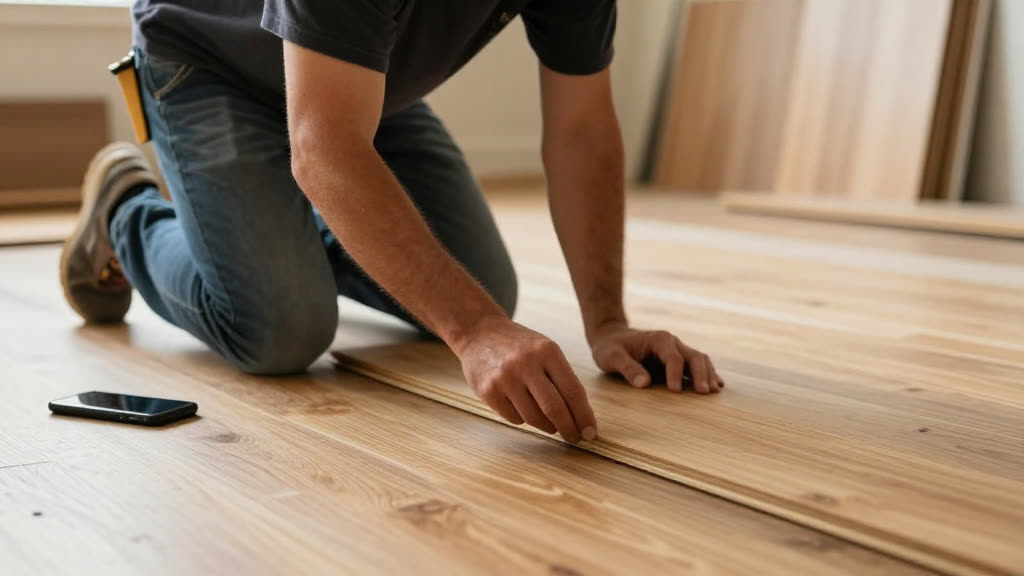
KwickPhone takes the booking deposit over the phone, PCI-safe, while you keep laying plank.
It's the part of flooring that never makes it into the install photos: the deposit. You measured the room last week, sent the quote for the hardwood and the subfloor repair, and the homeowner finally calls back ready to go. Except you're on your knees with glue out and a row of LVP half-set — you can't stop, the open time on that adhesive doesn't care that someone wants to give you money. So you let it ring, plan to call back at lunch, and by lunch they've called the next installer who picked up and locked their job with a card on the spot. The deposit is what turns a 'yeah we'll probably go with you' into a booked install with material ordered. Miss the moment and you're re-selling a job you already won.
KwickPhone answers that callback while your hands are full. It pulls up the quote, confirms the scope — say, 320 square feet of LVP plus the subfloor patch in the kitchen — and tells the homeowner the deposit amount you set for that job. Then it takes the card over the phone through a PCI-safe payment flow, so the number is captured and charged securely without you ever touching it or hearing it. The deposit lands in your account, the install date gets held, and the whole thing is written into your system as a booked job — not a maybe. You find out at lunch that the job is already paid and on the calendar.
For flooring this matters more than it does for trades that bill after the work. Your money is tied up in material before a single board goes down — you're fronting the hardwood, the LVP boxes, the underlayment, the tile and thinset — and a deposit is how you stop ordering material for people who ghost. A homeowner who has put real money down doesn't cancel the day before because their cousin offered to 'help' with a click-lock floor from the big box store. The deposit isn't just cash flow; it's the filter that protects your truck, your time, and your free-measure schedule from tire-kickers.
A homeowner calls midday: 'We talked last week about the LVP for the downstairs, we're ready to book.' You're across town setting tile. KwickPhone pulls up the quote, confirms it's the 540 square feet of LVP plus the entry transition, takes the deposit on a card over the phone, and holds the date — you get a text that the job is booked and paid before you've spread your next batch of thinset.
Someone got your quote for refinishing their old oak floors and wants to lock it before the holidays. KwickPhone confirms the refinish scope and square footage, explains the deposit covers your scheduling and the first sanding pass, charges the card securely, and books the slot — and because the date is held with real money, they don't drift to a competitor while they 'think about it.'
A caller wants to book hardwood install but says the subfloor 'might need work, you mentioned that.' KwickPhone confirms the deposit for the hardwood portion, notes the subfloor repair is quoted separately and pending your in-person check, takes the deposit only for the agreed scope, and flags the subfloor question for you so nobody pays for work that isn't pinned down yet.
A homeowner calls back at 8pm, well after you've washed the glue off your hands, ready to pay the deposit on their tile job. KwickPhone answers, takes the deposit over the phone, books the install, and you wake up to a paid job on the calendar — instead of a voicemail you'd have returned tomorrow, by which point they may have moved on.
Knees down, glue out — the AI takes the measure-and-quote request so you keep installing. KwickPhone answers every call for your flooring installer business — not just deposits & payment by phone, but the everyday requests that keep ringing in:
Every call is picked up 24/7 in English, Spanish & Chinese, with no hold music — and each order, booking or quote is written straight into the POS you already run, or KwickPhone’s own built-in POS if you don’t have one. No missed calls, no voicemail, no lost flooring installer jobs.

No POS yet? KwickPhone can be your POS too — a built-in register, orders & menu in one place. Already on a POS? Orders write straight back into it.