KwickPhone for Courier / Deliveries · Email orders, bookings & requests

The pickup request sat in your inbox while you drove

KwickPhone watches your courier inbox and turns emailed pickups into confirmed, dispatched jobs before you ever see the truck stop moving.

Email orders, bookings & requests for Courier / Deliveries — KwickPhone answers the phone

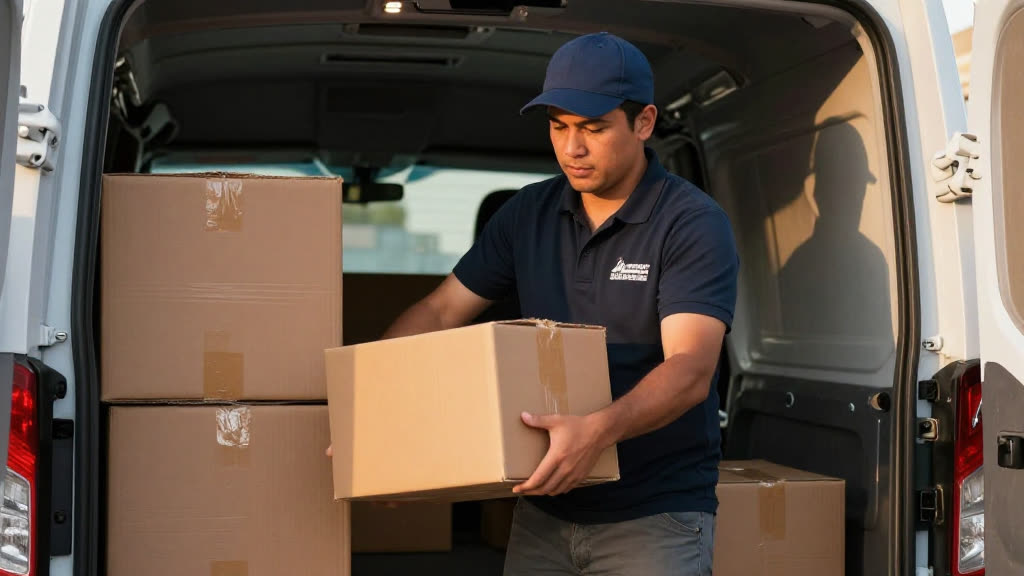
Here is the quiet way a courier loses work. A property manager emails at 9:40 a.m. needing a sealed packet run from their downtown office to a closing across town by noon. You are mid-route doing 45 in traffic with three drops left, your phone face-down in the cupholder because you are not about to read email at a green light. The email sits there. Unread, silent, no ring, no buzz you can act on. By the time you finally pull over and open it at 1:15, the job is dead — they called someone else at 10:05 because nobody answered. You never even knew it existed. A phone at least rings; an emailed pickup just rots in the pile.

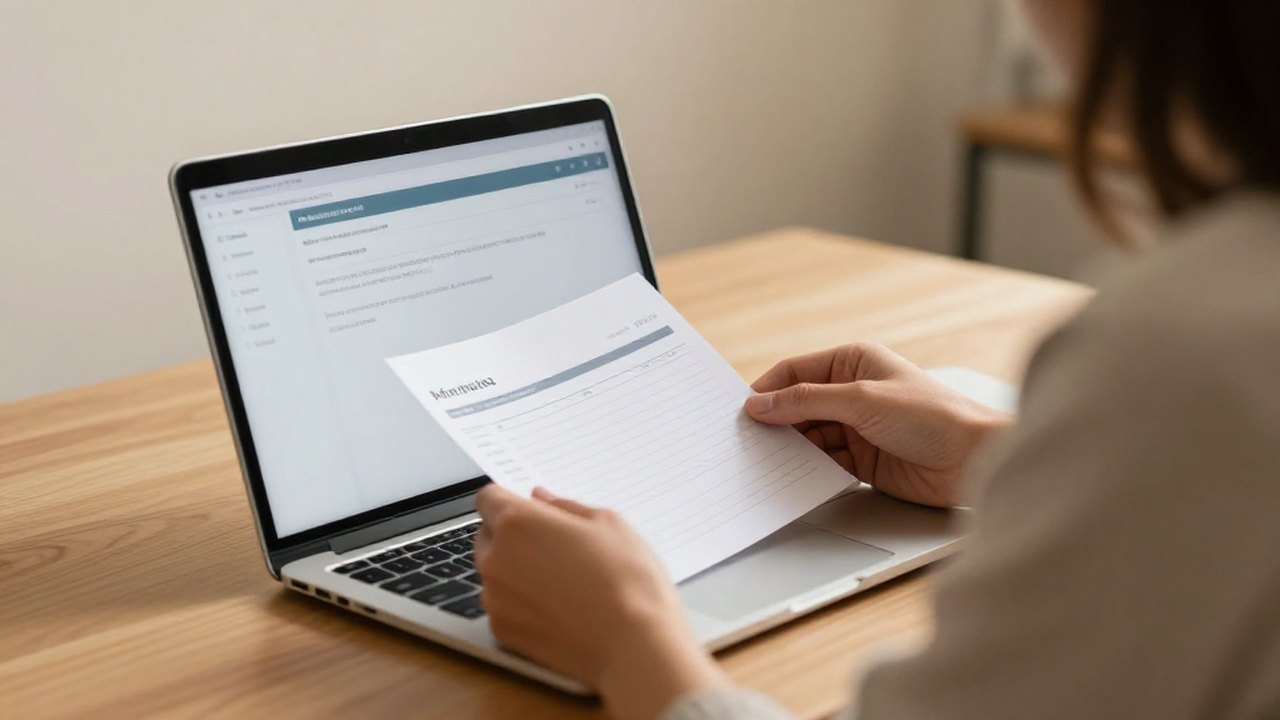
KwickPhone closes that gap by treating your inbox like a live dispatcher instead of a folder you check between runs. The AI reads incoming email the moment it lands, recognizes that this is a pickup request and not a newsletter or an invoice, and pulls out the pieces that actually matter for a courier job: where it's coming from, where it's going, what's being moved, how time-sensitive it is, and any contact for the dock or front desk. It replies to confirm it has the job, asks the one or two questions a real dispatcher would ask if something's missing — "Is this a signature-required medical delivery or a standard drop?" — and writes the run into your system as a scheduled job. It only works from what you've told it about your service area, hours, and the lanes you actually run; it does not invent a delivery window it can't keep or quote a same-day run for an address two hundred miles outside your zone.

This matters more for couriers than for almost any trade, because your work is structurally unwatchable. A restaurant owner is standing near the phone; you are belted into a moving vehicle with your hands and eyes legally committed elsewhere. Your highest-value jobs — the medical lab that needs a STAT specimen run, the law firm that needs filings at the courthouse before the clerk closes — are exactly the ones that come in by email with a hard clock attached, and exactly the ones you physically cannot stop to read. KwickPhone is the thing that does the reading and the booking while you keep the wheels turning, so a $90 same-day run doesn't quietly become a missed email and a client who learned to call your competitor instead.
How it works

Email orders, bookings & requests for Courier / Deliveries, handled.

Real calls

What it sounds like for courier / deliveries.

1

A medical lab emails at 7:50 a.m. needing a STAT specimen picked up from a clinic and delivered to the hospital lab within ninety minutes, marked temperature-sensitive. KwickPhone catches it immediately, confirms it has the run, asks whether the clinic's back dock or front desk has the cooler ready, and books it as a time-critical medical job with the deadline and handling note attached — while you're still finishing last night's overflow.

2

A law firm sends a same-day request to file documents at the courthouse before the 4 p.m. clerk cutoff, but doesn't say which courthouse. KwickPhone replies asking which county clerk's office and confirms a signature is needed on the filed copies, then schedules the run with the hard 4 p.m. deadline flagged so it can't get buried behind softer drops.

3

A property manager emails asking for a quote to run keys and a sealed packet across town this afternoon, no specific time. KwickPhone confirms the addresses and contents, notes that the destination needs a receiving contact, and books it as an on-demand same-day job within your service area — and if the destination were outside your lanes, it would tell the sender plainly instead of accepting a run you can't make.

4

A recurring route client emails to add an extra stop to today's regular run. KwickPhone recognizes the existing route, captures the new address and what's being picked up, asks whether it fits before or after the standing stops, and appends it to that day's route job so you don't get a surprise email you only read after the truck's already past that part of town.

Built for courier / deliveries

Your whole phone, handled.

You can't take an order doing 45 in traffic. The AI books the pickup for you. KwickPhone answers every call for your courier / delivery business — not just email orders, bookings & requests, but the everyday requests that keep ringing in:

Every call is picked up 24/7 in English, Spanish & Chinese, with no hold music — and each order, booking or quote is written straight into the POS you already run, or KwickPhone’s own built-in POS if you don’t have one. No missed calls, no voicemail, no lost courier / delivery jobs.

Email orders, bookings & requests for a courier / delivery — answered by KwickPhone
Why it pays off

What courier / deliveries get.

More ways KwickPhone helps Courier / Deliveries

Every courier / delivery call, handled.

Questions
I'm driving all day — does this only work for email, or does it also catch the calls I miss?
This page is about your inbox, but KwickPhone watches both. It answers your phone 24/7 in English, Spanish, and Chinese and books the pickup by voice, and it reads your email the same way — so whether a dispatcher calls or a property manager emails, the job gets captured while you're behind the wheel. You can try the voice side right now at (832) 979-1760.
Will it accept a run that's outside my service area or past my same-day cutoff?
No, and that's deliberate. It only books against the service area, hours, and cutoff times you set up. If an emailed request is for an address outside your lanes or comes in after your same-day window, it tells the sender honestly rather than confirming a run you'd have to call back and cancel.
My medical and legal jobs have hard deadlines and chain-of-custody steps. Will it just guess?
It won't guess on the things that matter. It captures the deadline and any handling notes the sender includes, and when a detail is missing or high-stakes — signature required, temperature-sensitive, which courthouse — it emails back to confirm instead of assuming. If something is genuinely unclear, it flags the message for you rather than forcing a booking.
What if the email is missing the destination or a contact for the dock?
It replies to the sender the way a good dispatcher would, asking the specific missing piece — the receiving address, a dock contact, or a ready-time — and holds the job as incomplete until it has what it needs. That way you don't show up to a pickup with no suite number or no one to release the package.
Does it write the job into what I already use, or do I have to learn a new system?
It writes the confirmed run into your job list or POS as a scheduled pickup with the addresses, time, and notes attached. If you don't run a POS at all, KwickPhone can be the place those jobs live. Either way you're not retyping anything by hand at the end of a shift.
Can it tell a real pickup request apart from all the other email I get?
Yes — that's a core part of the job. It separates an actual request to move something from delivery confirmations, fuel receipts, invoices, and marketing, and only acts on the messages that are genuinely someone booking a run. It won't try to 'confirm' a newsletter.
What happens with a recurring route client who emails to change today's stops?
It recognizes the standing route, captures the added or changed stop and what's being moved, and asks where it fits relative to your existing stops before appending it. So a mid-day route change shows up on the run you're actually driving, not as an email you discover after you've already passed that part of town.

No POS yet? KwickPhone can be your POS too — a built-in register, orders & menu in one place. Already on a POS? Orders write straight back into it.