KwickPhone for Barber Shops · Deposits & payment by phone
No-shows cost you the chair — so lock the booking with a deposit
KwickPhone answers, books the cut, and takes a PCI-safe deposit over the phone while you keep your hands on the clippers.
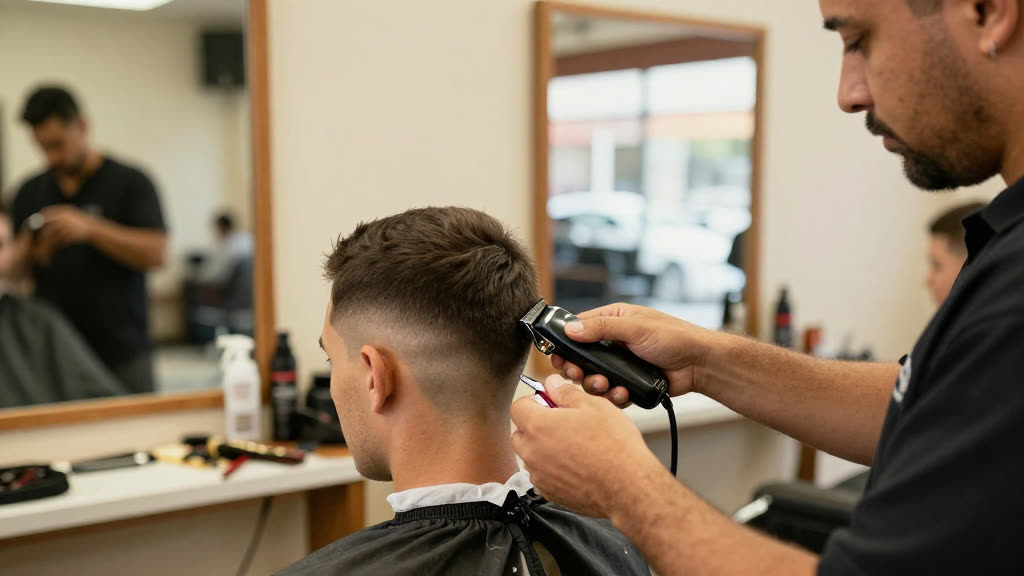
KwickPhone answers, books the cut, and takes a PCI-safe deposit over the phone while you keep your hands on the clippers.
It's Saturday at 11 a.m. You're mid-fade, blade against the hairline, and the phone starts ringing on the back counter. A guy wants a beard trim and a cut at two — but he's the same kind of guy who booked last Saturday and never showed, leaving a forty-five-minute hole in your busiest day. You can't put down the clippers to answer, and even if you could, you're not about to read his card number back to him over the buzz of the room while another client waits in your chair. So the call rings out, the booking never happens, and either way you're gambling on whether a free reservation turns into a real butt in the seat.
KwickPhone picks up that call on the first ring and handles the whole thing without you touching the phone. It tells the caller your real availability for the day, books the two o'clock slot, and then takes a deposit the way a payment terminal does — the card details go straight to the payment processor, never to you and never spoken out loud where the room can hear. The caller hears a calm voice walk them through it, you get a confirmed appointment with money already down, and the no-show math changes: someone who's paid a deposit shows up, and if they don't, you're not eating the empty chair for free.
For a barber shop this matters more than for almost any other trade, because your inventory is time and a single chair. A missed cut isn't a delayed sale you recover later — it's gone the moment the clock passes it. Deposits turn loose 'I'll come by around two' promises into commitments, and they do it without you breaking your rhythm on the client in front of you, without making walk-ins feel like they need a card to get a fade, and without you ever becoming the guy fumbling card numbers between customers.
A regular calls Friday afternoon wanting his usual Saturday-morning cut, but Saturdays are the slot he's flaked on twice. KwickPhone books the time and asks for a deposit to hold it; he pays it through the secure step, and now you've got a Saturday opener who's actually invested in showing up — no card numbers ever passed through the shop.
A bride's father calls Wednesday wanting cuts for himself and two groomsmen before a weekend wedding, a big block of your chair time. KwickPhone books all three back-to-back, takes a deposit to lock the block so it can't quietly evaporate, and confirms the services so you know to leave room for beard work, not just three quick fades.
A first-time customer calls asking if you do kids' cuts and what walk-in hours look like. KwickPhone answers plainly from your real info, doesn't demand a deposit for a simple walk-in question, and offers to book a time if they want one — keeping the door open for the casual traffic that keeps slow afternoons busy.
Someone calls to cancel a deposited appointment for tomorrow. KwickPhone takes the cancellation, frees the slot so another client can grab it, and follows whatever deposit and refund rules you've set — so a canceled booking becomes an open chair you can refill instead of a silent no-show that wastes the whole hour.
You're not putting down the clippers to book an appointment — so the chair sits empty when the call drops. KwickPhone answers every call for your barber shop business — not just deposits & payment by phone, but the everyday requests that keep ringing in:
Every call is picked up 24/7 in English, Spanish & Chinese, with no hold music — and each order, booking or quote is written straight into the POS you already run, or KwickPhone’s own built-in POS if you don’t have one. No missed calls, no voicemail, no lost barber shop jobs.
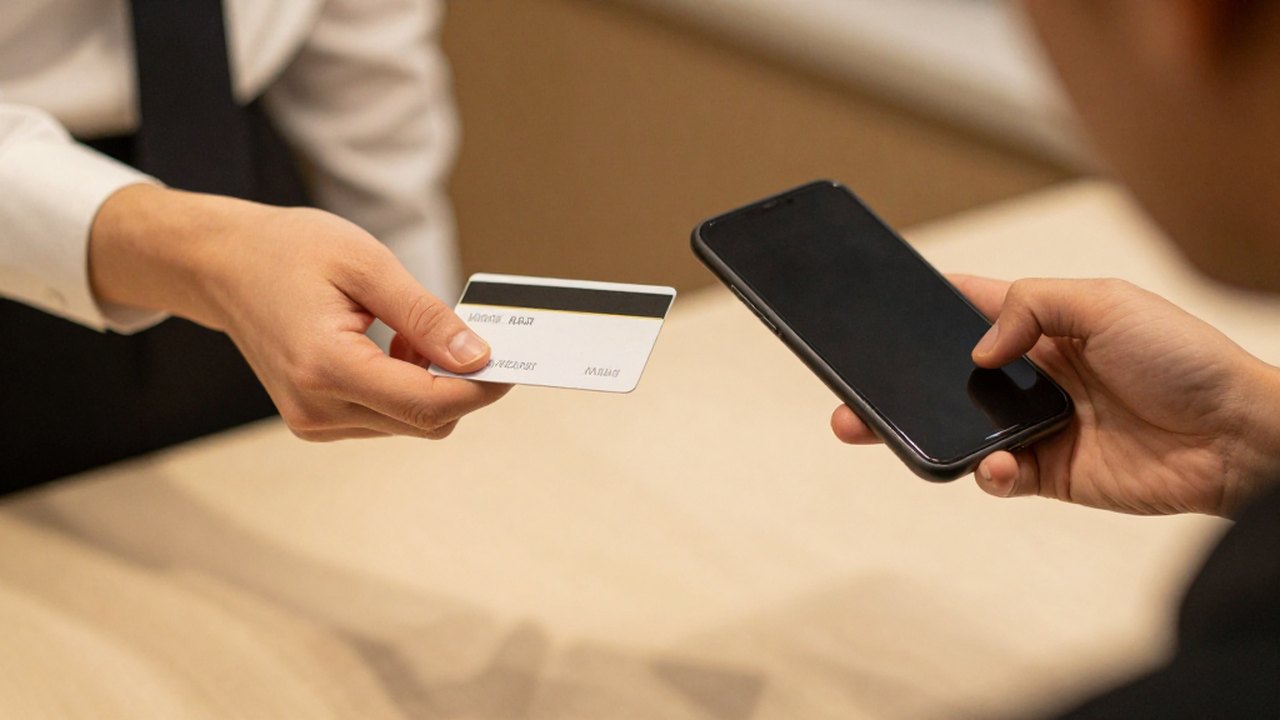
No POS yet? KwickPhone can be your POS too — a built-in register, orders & menu in one place. Already on a POS? Orders write straight back into it.